
SPFx web parts for a modern SharePoint intranet
Modern SharePoint gives you a decent start for an intranet home page. Then you want a web part it does not have. A rotating announcements ticker. A kudos wall. An org chart. A row of key numbers. So you go looking, and the good ones are paid.
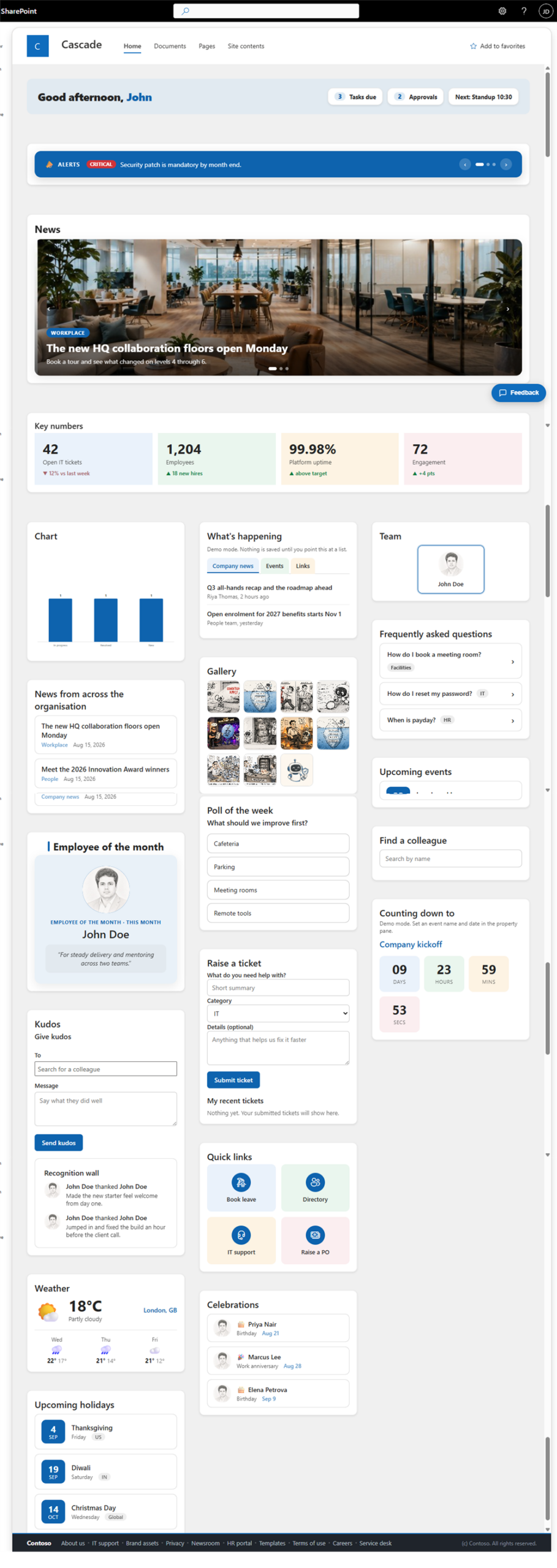
I built a set of them and put them on GitHub as open source. It is one SharePoint Framework package with 21 web parts plus a site header, a footer and a feedback button. Install the package once and every web part shows up in the toolbox under Intranet Suite.
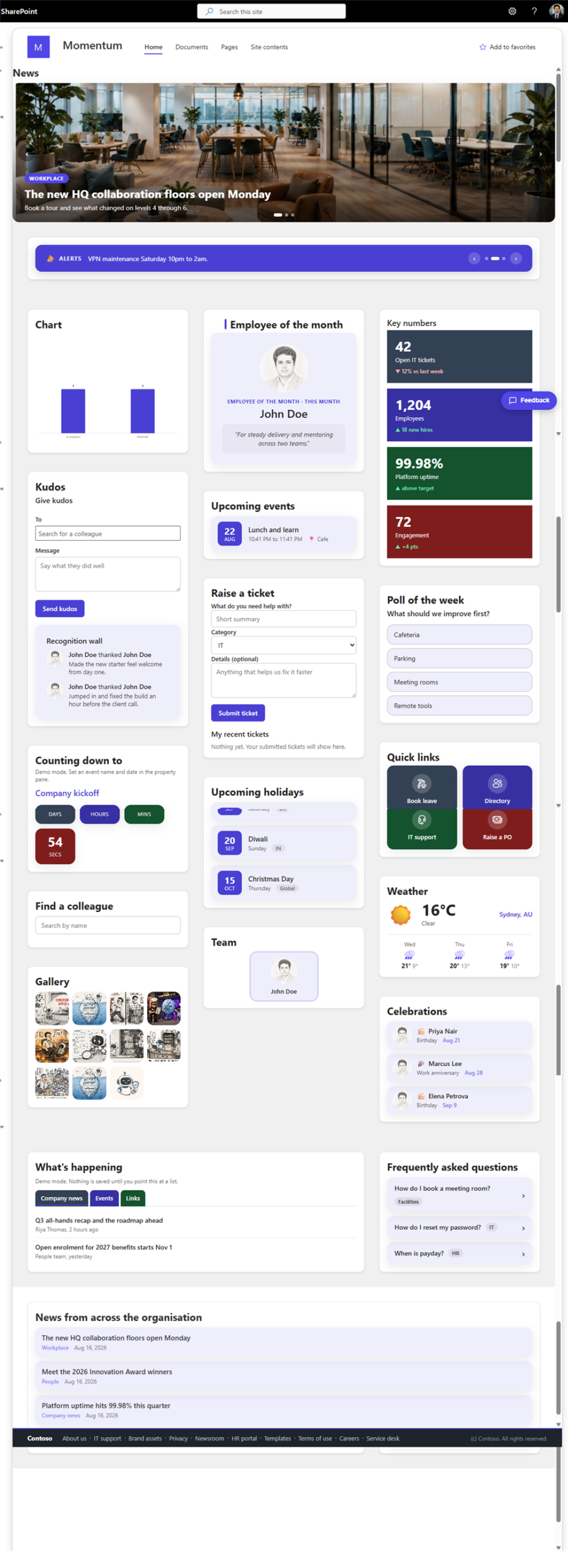
What is in the box:
- News and comms: Announcements Ticker, News Carousel, Content Rollup.
- People: Kudos, Employee of the Month, Org Chart, People Directory, Celebrations.
- Numbers: KPI Tiles, Chart from a List, Poll.
- Dates: Upcoming Events, Event Countdown, Upcoming Holidays.
- Self service: Raise a Ticket, FAQ Accordion, Quick Links.
- Content: Tabs, Image Gallery, Greeting, Weather.
Every web part works the same way. It shows sample data the moment you drop it on a page, so you can see what it looks like straight away. When you are ready you turn sample data off and point it at a SharePoint list. Each one has a layout style and a container option, and the ones with tiles let you pick a colour palette, so the same web part can match different page designs.
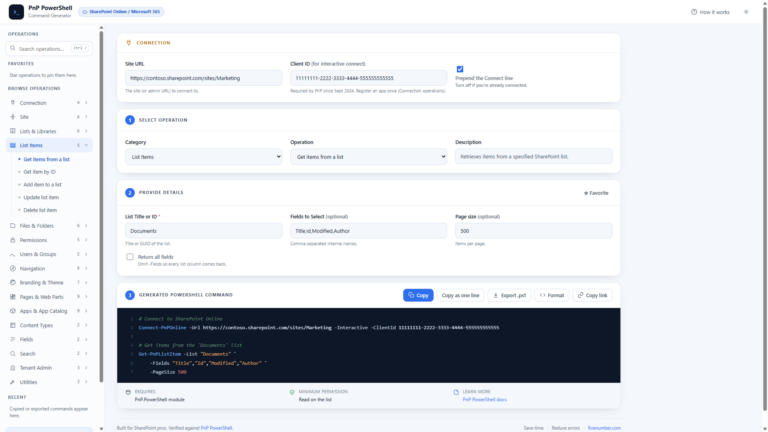
The lists are easy to create. A PowerShell script in the package, Provision-IntranetLists.ps1, makes every list with the right columns and some sample rows, on any site you point it at.
How to get it:
- Get the code from GitHub: SPFx Intranet Suite.
- Build the package and upload the .sppkg to your tenant App Catalog.
- Run Provision-IntranetLists.ps1 to create the lists.
- Add the web parts to a page. They appear under Intranet Suite.
I am writing up each web part on its own, so you can see how it is set up. This post is the map.

20 Comments
Comments are closed.