Sharing Link Auditor: find and revoke the sharing links hiding in your tenant
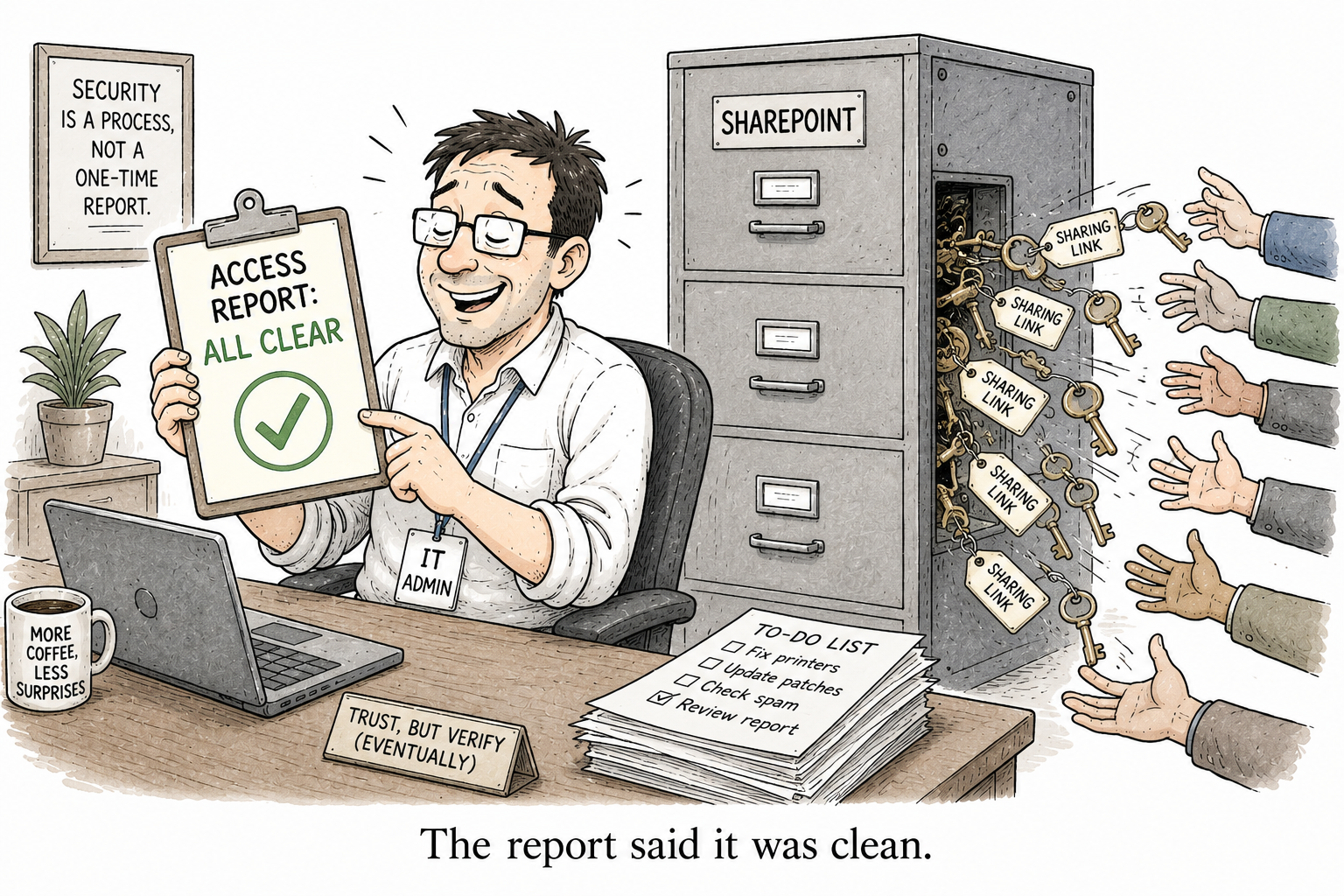
The sharing link is the quietest oversharing vector in SharePoint. It does not appear as a permission on the site. It hides as a SharingLinks.<guid> group that nobody opens, and it outlives the project it was made for by years. Your permissions page can look spotless while a document sits shared with the whole company through a link somebody created in 2021.
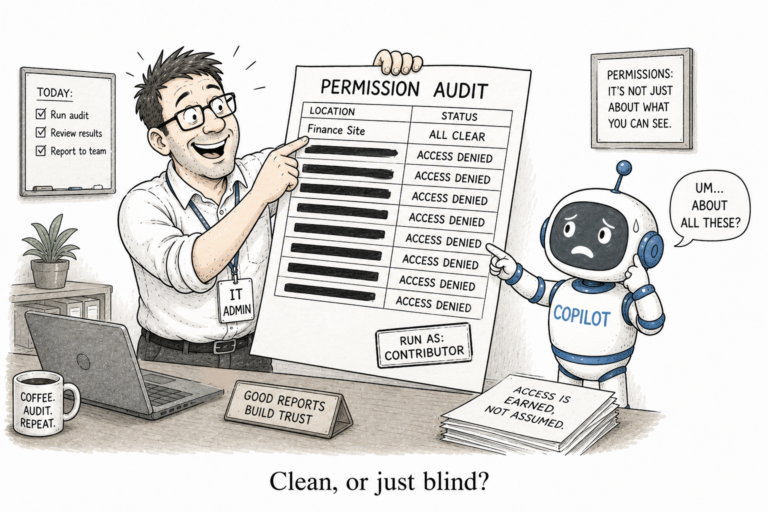
That gap is why an access report can be honest and wrong at the same time. It reports the permissions it can see. The link scopes live in system groups it never looks at. I have written about the reporting side of this before. This post is the tool.
SharingLinkAudit
SharingLinkAudit is a small PowerShell module that finds, risk-rates and revokes SharePoint Online sharing links across your tenant. It discovers links through those hidden SharingLinks groups instead of walking every file in every library, so it scales to a real tenant rather than timing out on one.
Install it from the PowerShell Gallery:
Install-Module SharingLinkAudit -Scope CurrentUser
You need PowerShell 7.2 or newer, PnP PowerShell, and your own Entra app for interactive sign-in. If you have not registered one, Register-PnPEntraIDAppForInteractiveLogin handles it once. Then point it at a site:
Get-SharingLink -SiteUrl "https://contoso.sharepoint.com/sites/Sales" `
    -ClientId $appId -Interactive
What comes back is not a flat list. Every link is scored Low, Medium, High or Critical, based on the scope (anonymous, organisation, or specific users), the access level (view or edit), whether it expires, and whether it is password protected. An anonymous edit link with no expiry rates Critical. A view link to three named people rates Low. You sort by Critical and start there, instead of reading a dump of every link in the tenant.
When you want it on paper, Export-SharingLinkReport writes an HTML report you can hand to a security review. When you want to act, Remove-SharingLink revokes with filters, so you can clear every anonymous link and leave the legitimate internal ones alone.
Get-SharingLink -SiteUrl $site -ClientId $appId -Interactive |
    Export-SharingLinkReport -Path .\sharing-links.html
Why now
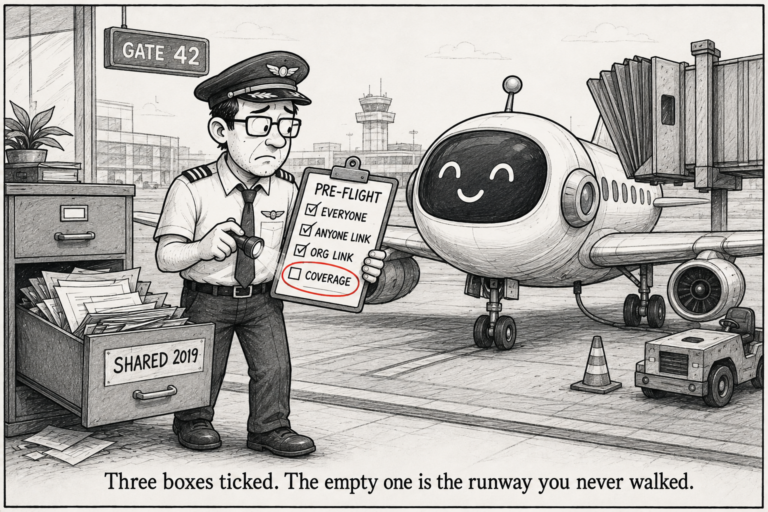
This is the audit you run before Copilot, not after. A sharing link nobody remembers is exactly what an always-on assistant surfaces first, in plain language, to anyone who asks. The link did not create the exposure. It just held the door open long after everyone forgot it was there. Finding the door is the whole job, and the module is most of it.
It is free and open source under the MIT licence. The code and the issues list are on GitHub, and it installs from the PowerShell Gallery. If it misses a link type, or you want a filter it does not have, open an issue. That is what the repo is for.