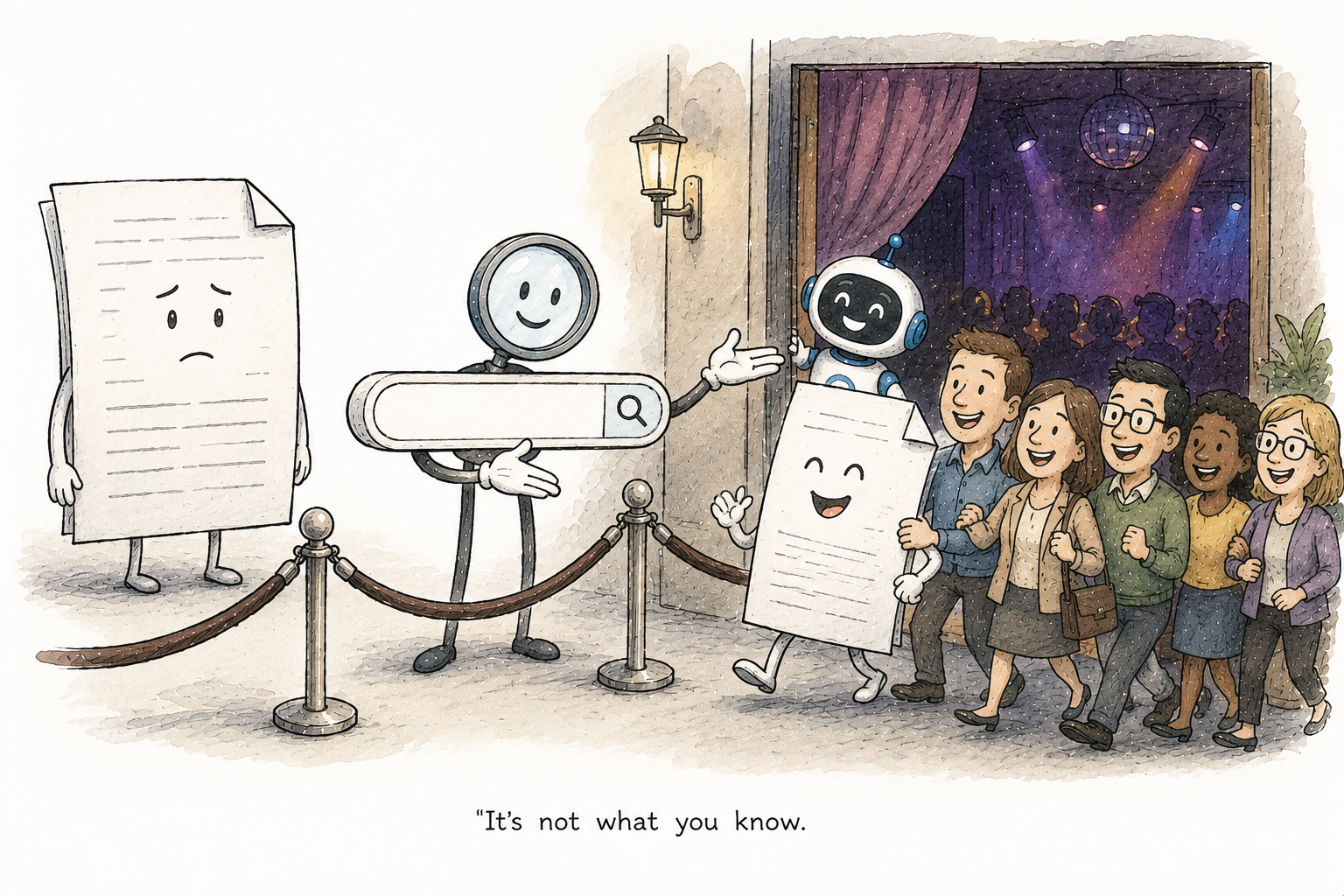
How Microsoft Search ranks results
Someone searches for a travel policy in the Microsoft 365 search box. Two documents cover it. The older one comes first and the newer, longer one is nowhere. Why?
Because Microsoft Search does not rank on keywords alone. It ranks on keyword match, on meaning, and on how close the content is to you and the people you work with. In this post I will show you how those pieces fit together, and the settings that decide whether a document is even in the running.
Two indexes, not one
Microsoft 365 keeps two indexes of your content, both built from Microsoft Graph.
The first is the lexical index. This is the old, familiar one that matches the actual words. Search for “travel policy” and it finds documents with those words in them.
The second is the semantic index. Instead of words it stores vectors, which are numeric representations of meaning. That is what lets Search understand that “expense reimbursement” and “getting money back for a trip” are the same idea, and that “USA” and “United States” are the same place. It broadens the search past exact match so a good document is not missed just because it used different words.
You do not switch the semantic index on. For any tenant with paid Microsoft 365 Copilot licences it is generated automatically, it runs on text based SharePoint files at the tenant level, and it cannot be turned off. It is an improvement to Search, not a separate product you configure.
The part that surprises people: your network changes the order
This is the piece that catches admins out. Two people run the exact same query and get results in a different order. Nothing is broken. That is the ranking working as designed.
Microsoft calls it personalization and social matching. Search uses the Graph’s knowledge of who you work with, your distribution groups and your place in the org chart to decide what is most relevant to you. A document your own team wrote and edits every week will rank higher for you than for someone three departments away, even on identical words.
Two settings feed this, and both live on the Search & Intelligence page in the Microsoft 365 admin center. People insights works out who is relevant to you from your public collaboration. Item insights does the same for documents. They are on by default. Turn them off and the results stop pulling in the people and content derived from your distribution groups and org chart, and relevance drops for everyone.
Freshness is really about indexing speed
People assume there is a freshness dial that pushes new documents up. There is not one you set. What actually decides whether a brand new document can rank is how fast it gets indexed, and that depends on where it lives.
- Documents you create yourself are indexed in near real time in your mailbox.
- A new document added to a SharePoint site that two or more people can reach is indexed daily, not instantly.
- When a document that is already indexed gets edited, the change is picked up immediately.
So a policy someone uploaded to a shared site an hour ago may genuinely not be findable yet. That is not a ranking problem. Give it a day.
What decides whether content ranks at all
Before any of the clever ranking runs, a document has to clear two gates. Most “why is this not showing” problems are one of these, not relevance.
- The site has to be searchable. Open Site settings > Search and offline availability and check that Allow this site to appear in search results is set to Yes. Set it to No and the whole site drops out of Microsoft Search and the semantic index at the same time. There is no way to exclude it from one and keep the other.
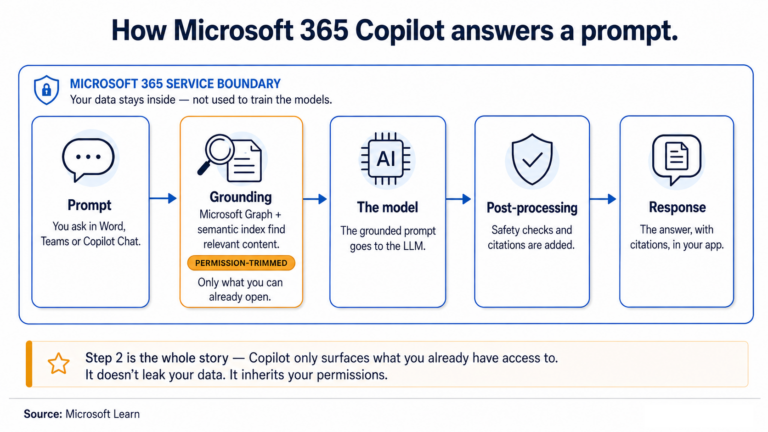
- The user has to be able to open it. Ranking runs after a permission trim, so a document a person cannot access never ranks for that person. This is why knowing who can actually reach a site matters before you go blaming the search results.
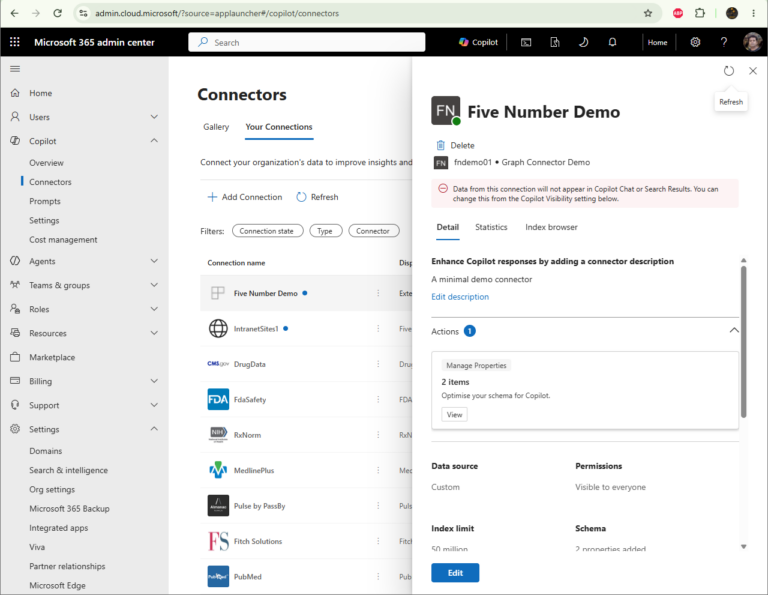
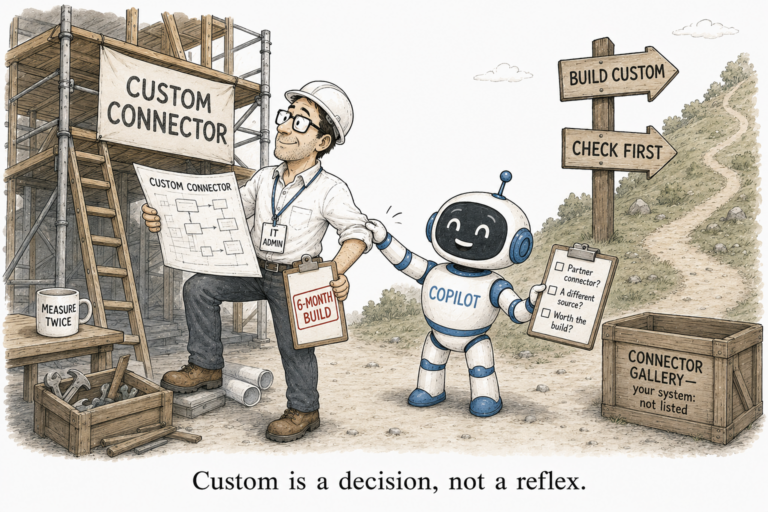
Two more things help once a document is past those gates. Real titles and column metadata beat “Document1”, because when a user scopes a Copilot query to a library or folder the column values are used as extra ranking signals. And content that lives outside SharePoint, in another system entirely, has to be brought into the Graph through a Copilot connector before any of this applies to it.
What you can pin by hand
For the handful of queries everyone types, you do not have to rely on ranking at all. The same Search & Intelligence page lets you pin results directly. Bookmarks put a chosen link at the top for a set of keywords. Acronyms teach Search what your internal short forms stand for. Q&A answers a common question inline. These sit above the ranked list, so your top twenty searches land on the right answer no matter what the index decides.
If your content is not showing, do not start with relevance. Start with the searchable setting and the permissions. The ranking only ever runs on content that already cleared those two gates.
2 Comments
Comments are closed.