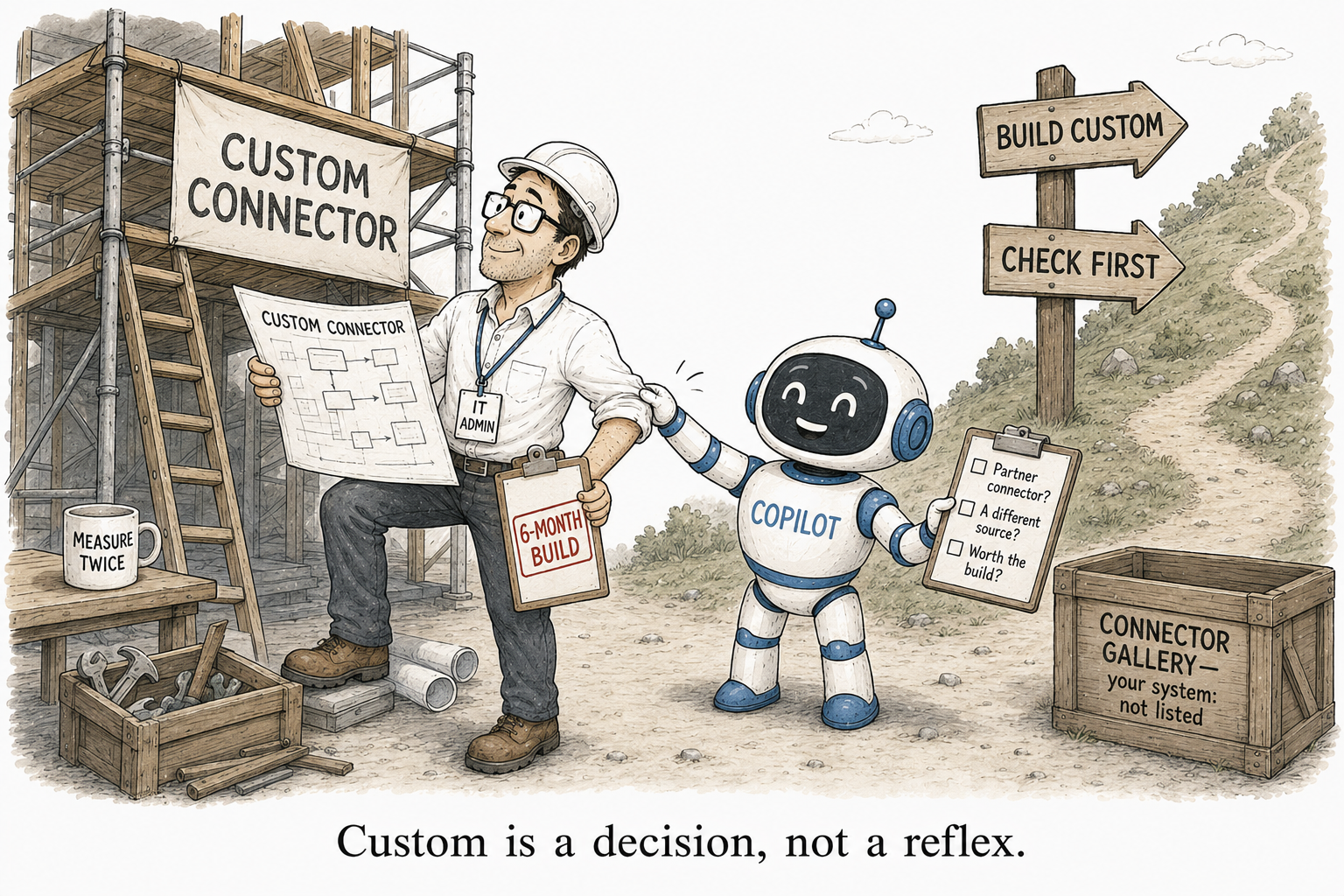
No prebuilt Copilot connector for your system? Check this before you build custom
You checked the connectors gallery, and your system is not in it. Documentum. iManage. An OpenText archive. An on-premises SharePoint farm nobody wants to talk about. So the plan forms: we will have to build a custom connector.
Stop for a moment. Between “Microsoft does not have one” and “we build our own” sits a step most people skip entirely, and it very often ends the search before it starts.
A connector can come from three places, not two
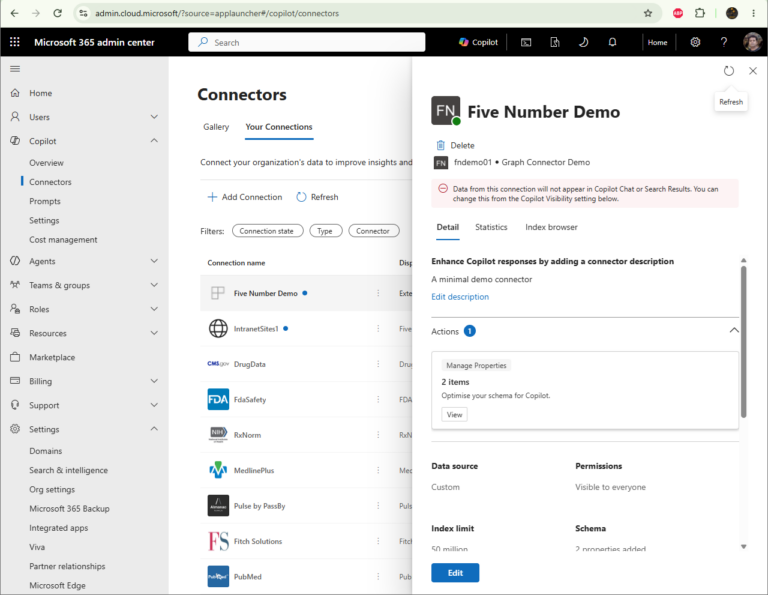
There are really three sources of a Copilot connector. There are the hundred-plus Microsoft-built ones in the gallery. There is custom development, which you own forever. And sitting quietly between them is the one people forget: the partner-built gallery.
The gallery people skip
Microsoft maintains a separate gallery of connectors built and supported by partners. These are not Microsoft’s connectors. They are developed, licensed and supported by the partner, and the support models vary from one to the next. Some carry a Certified for Microsoft 365 Copilot badge, which means Microsoft validated them for consistent retrieval behaviour across Copilot and Search.
The publishers are the names that have spent years in enterprise search: BA Insight, now part of Upland; RheinInsights; Accenture, with its Aspire connectors; ServiceNow; and the source vendors themselves. You find the connector in the gallery, then go to the partner to license and deploy it.
The range is wider than you think
And it covers far more than the Microsoft-built list. Between the partners, the gallery reaches Documentum, iManage, NetDocuments, OpenText Livelink, IBM Content Manager, Elasticsearch, on-premises SharePoint from 2013 through Subscription Edition, Notion, Slack, Trello, Google Drive, and a long list beyond. If your source is a mainstream enterprise system, the odds are good that someone has already built, and now maintains, a connector for it.
The example everyone reaches for
Take Documentum, the one people always name. There is no Microsoft-built Documentum connector. But there are several partner ones: BA Insight ships a Documentum connector and a Documentum Cloud connector, and Accenture’s Aspire has a Documentum DQL connector, with more vendors beyond.
Here is why that matters more than it first looks. The genuinely hard part of a Documentum connector is mapping Documentum’s permission model onto Graph ACLs, so that Copilot only ever surfaces content to the right people. The partner has already solved that, and maintains it. That is precisely the ownership burden I warned about with custom connectors, handed to a company whose whole business is carrying it.
If nobody has built it, is Microsoft about to?
When no connector exists yet, the next question is whether one is coming. Three places tell you:
- The Microsoft 365 Roadmap, where you can filter for Copilot connectors and see what is planned or rolling out.
- The connectors gallery in your own admin center, where connectors in the Admin Preview state are the live preview pipeline, arriving before general availability.
- The monthly “What’s New in Microsoft 365 Copilot” posts, where new connectors are announced as they ship.
The catalogue grows every quarter, so a source missing today may be a click away in two.
The honest catches with partner connectors
Partner connectors are not free of trade-offs, and you should go in clear-eyed. You are taking a dependency on a third party: their price, their support quality, their release cadence, their survival. Support models vary, so read what you are actually getting. Favour the ones certified for Copilot where you can. And because the connector is doing the ACL mapping on your behalf, validate that it gets the permissions right before you trust it in front of Copilot, the same scrutiny you would give your own code.
With those checks done, a partner connector is almost always the better deal than building and owning your own.
The order to work through
So the search order is not “Microsoft-built, then custom.” It is four steps:
- Microsoft-built — the hundred-plus in the gallery.
- Partner-built — the gallery people skip.
- Roadmap and preview — wait, if something is close.
- Custom — only when the source is genuinely unique to you.
Custom belongs at the bottom of that list, not second on it.
The instinct to build is a developer’s instinct, and it is often the expensive wrong turn. Before you scope a project to connect some system to Copilot, spend an hour in the partner gallery. The connector you were about to spend a quarter building, and then own for as long as the source exists, may already be sitting there, maintained by a company whose entire job is to maintain it. Build last, not second.