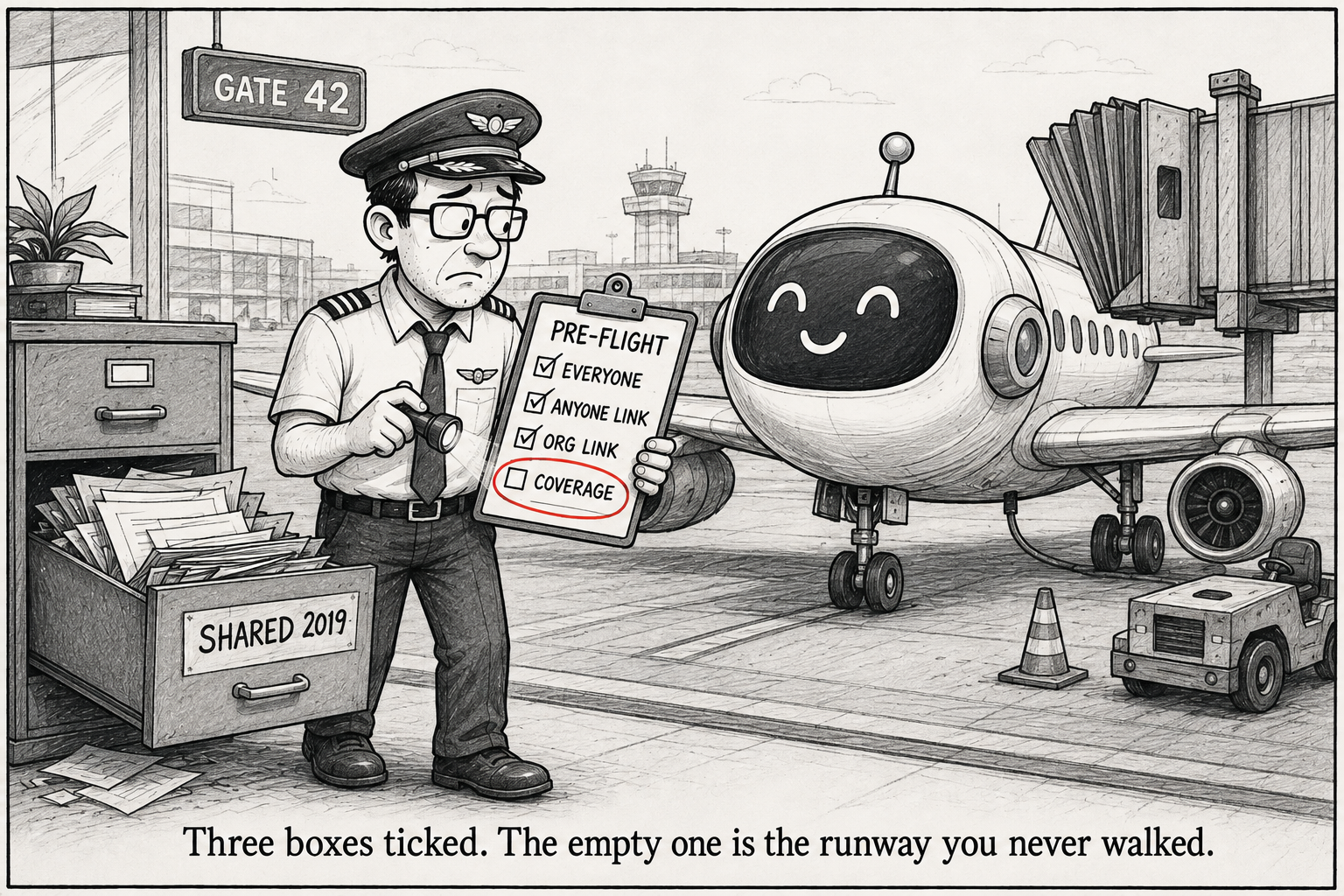
Find SharePoint oversharing before you switch on Copilot
The first time I pointed my own tool at a tenant, it found three sites the whole company could open. The search center was one. An app catalog was another. Nobody had shared them on purpose. They came that way, and Copilot would have read every one.
Microsoft 365 Copilot only surfaces what a user can already reach. So the broad access that was sitting in your tenant long before Copilot is the access Copilot inherits. The oversharing is old. Copilot just makes it loud.
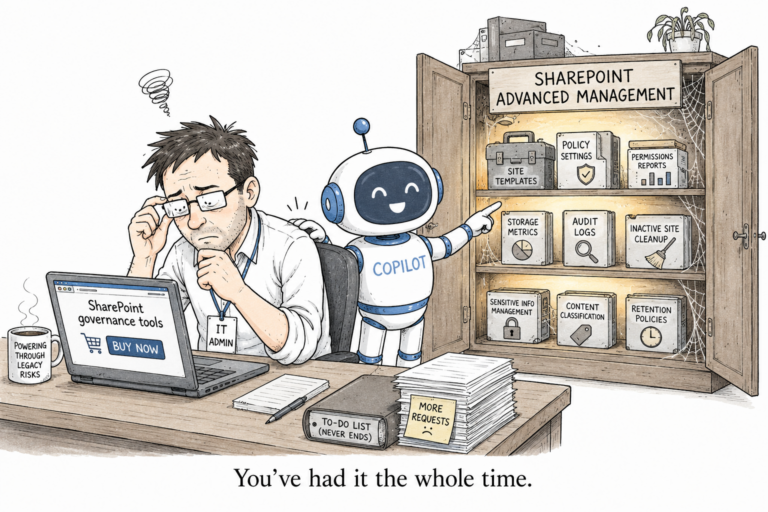
Microsoft does have reports for this. They live inside the paid SharePoint Advanced Management add-on. I wanted something free that I could run in a few minutes, so I wrote a small PowerShell module called CopilotGovernance. It is read only. It reports, it never changes anything.
Install it
Install-Module CopilotGovernance -Scope CurrentUserIt needs PowerShell 7 and PnP.PowerShell. PnP 3.x no longer ships its own sign-in app, so you bring your own Entra app client id. That is the one line people miss, so keep the id handy.
Run the whole tenant
$cid = "<your-pnp-app-client-id>"
Connect-CopilotGovernance -Url "https://contoso-admin.sharepoint.com" -ClientId $cid
Invoke-CopilotReadinessAssessment -AllSites -ClientId $cid -Show
That runs two scans and opens an HTML scorecard in your browser.
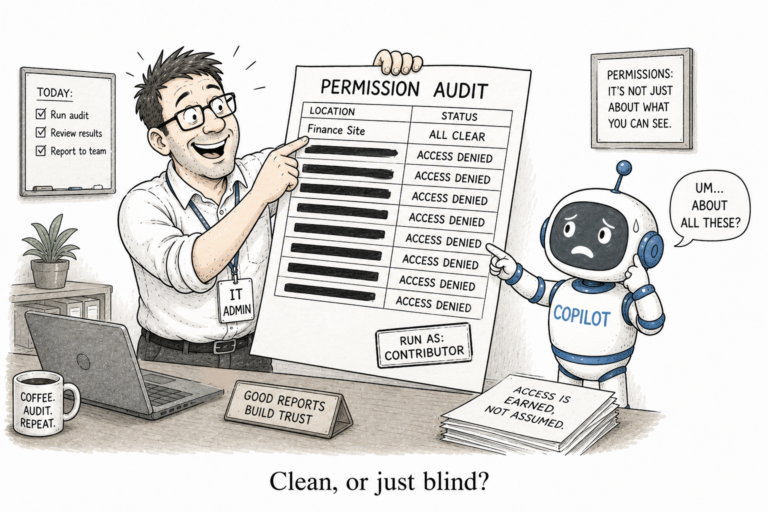
The first scan is Get-EveryoneAccess. It finds every place the Everyone and Everyone except external users claims grant access. Those two are the reason a normal permission review comes back clean while the site is still open to the company. Neither claim gives any single person a permission you can see against their name, so they hide in plain sight.
The second scan is Get-OversharedContent. It finds the anonymous “Anyone” links and the organization-wide links. It reads them from the hidden SharingLinks groups on each site rather than walking every file, so it stays quick on a big tenant.
The scorecard rolls both into a score out of 100 and a list of the riskiest sites. When a site the app cannot read gets skipped, the scorecard says so, so a partial scan never reads as a clean one.
Just the one site
Get-EveryoneAccess -Site "https://contoso.sharepoint.com/sites/hr" -ClientId $cidRun that against one site first. If your search center turns out to be readable by everyone, better you find it than Copilot does. ?
The module is on the PowerShell Gallery and the code is on GitHub. Free and open source.
2 Comments
Comments are closed.