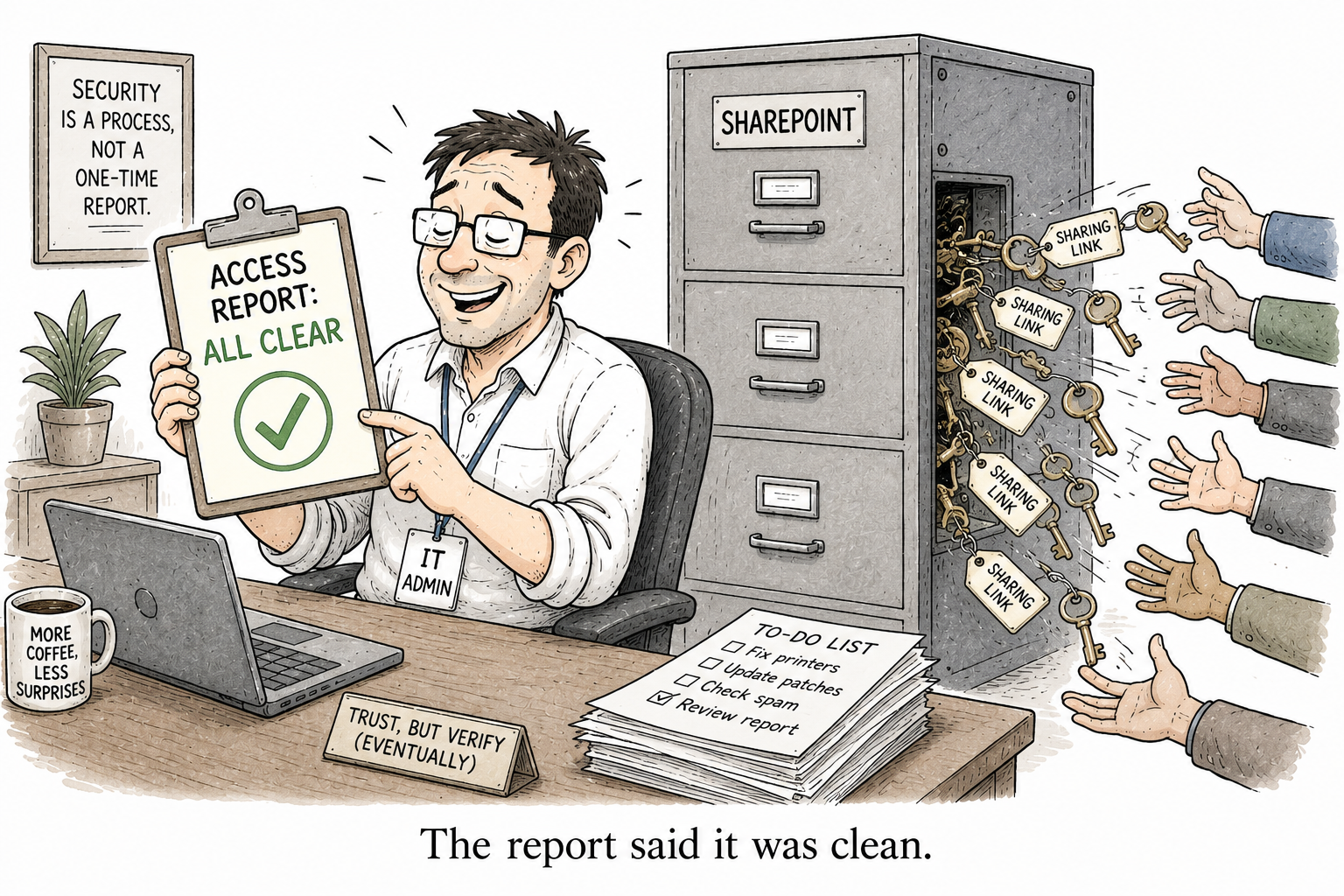
A sharing link is not a per-user grant (and why your access report is lying)
You run a report to answer a simple question: who can access this site? It comes back reassuring — a handful of members, the owners you expected, nothing alarming. So you sign off on the Copilot rollout. And the report was lying to you. Not because it got the answer wrong, but because it was looking in the wrong place. The access that actually leaks content lives somewhere your report never checks. It lives in sharing links, and a sharing link is not a per-user grant.
What your report actually checks
Every “who has access” report — the ones built into SharePoint, and most of the scripts people write themselves — works the same way. It enumerates role assignments: who is an owner, member or visitor; which security groups are attached to the site; who was granted permission directly. That is the membership model, and it is a fair picture of how access is supposed to work.
It is not how a lot of access actually happens.
What a sharing link actually is
When someone shares a file or a folder, SharePoint does not add them to a site group. It creates a shareable link with permission to that one item. Behind the scenes, that breaks the file’s inheritance from the library and gives it a unique permission scope of its own — a hidden sharing-link grant attached to the item, entirely separate from the site’s membership.
The access is real. It is just held in a place your site-and-group report does not read.
Why it is invisible to a per-user check
It gets more slippery when you look at the three kinds of link, because each one hides in a different way.
A Specific people link grants the named recipients access to that item. Your report, reading site role assignments, sees nothing — because there is no site role assignment; the grant sits on the file. And here is the part that matters for a Copilot rollout, in Microsoft’s own words: a Specific people link makes the file appear in search results and accessible through Copilot for everyone added to the link.
A People in your organization link is harder still to audit, because there is no fixed list of people to audit. Microsoft describes it as “a transferable, revocable secret key.” Anyone inside the organisation who receives the link can redeem it and get in. There is no single user your per-user report can pin the access to — the link is designed to be forwarded.
And an Anyone link breaks the model entirely. There is no authentication and, again in Microsoft’s own words, the access “can’t be audited.” There is no user identity behind it at all. A per-user permission model has literally nothing to enumerate, because the person holding the link may not be a person in your directory.
So the question itself is wrong
Which is why “what can this user reach?” is an incomplete question, and any tool that answers only that is handing you false comfort. A sharing link is not a per-user grant. It is a key to one specific item, held in a scope your report does not read, sometimes given to people who are not users at all.
You can have a site whose membership is immaculate and whose files are quietly shared halfway across the company by link. The report will call it clean.
Why this stopped being a slow-burn risk
It used to be that an overshared file just sat there, technically reachable, but you had to know it existed to find it. Copilot removes that last bit of friction. The Specific people links that Microsoft says make files “accessible through Copilot” are exactly the ones your permission report cannot see.
So the gap between what your report shows and what Copilot will surface is not a rounding error. It is, precisely, the sharing links.
How to actually find them
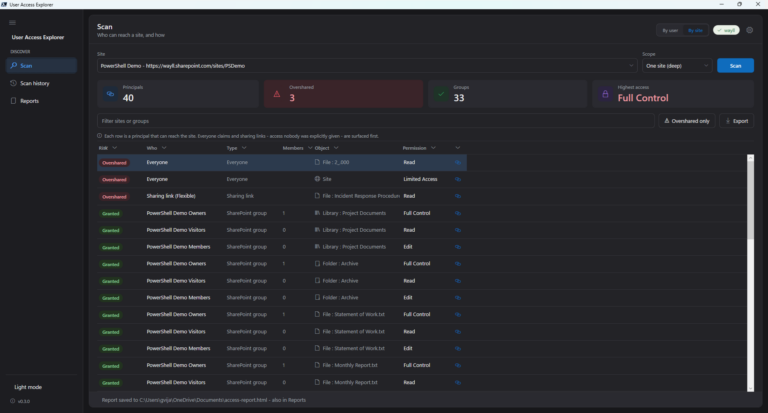
You cannot get this from a per-user or per-site role report — by design, because the access is not a role. You have to enumerate the sharing links themselves: the unique per-item permission scopes scattered across your libraries.
Microsoft’s Data Access Governance sharing-links report does this, if you are licensed for it. So does the free PowerShell I wrote for it, which walks the tenant, finds every sharing link, risk-scores them, and lets you revoke the ones that should not exist. Different tools, same necessary move: stop auditing membership, and start auditing links.
So the next time a “who has access” report comes back clean before a Copilot rollout, do not exhale. It answered the membership question honestly and missed the one that leaks. Ask the other one: what is shared by link? That is the access that actually escapes — and it is the access Copilot reads.

2 Comments
Comments are closed.