Find and Revoke SharePoint Sharing Links with PowerShell
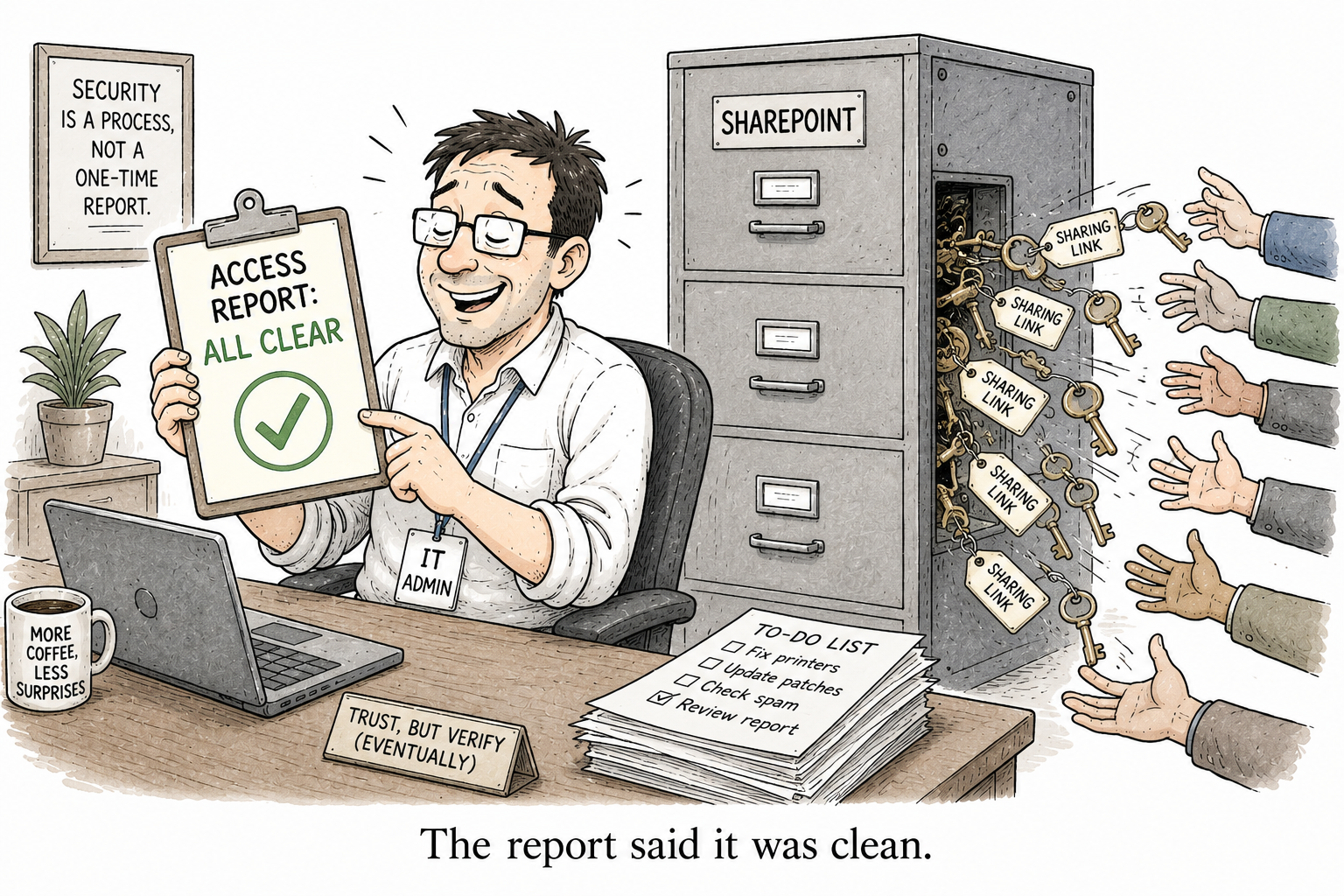
Link sharing poses an almost silent form of oversharing risk in SharePoint. Someone selects “Share” > “Anyone in the organization”, and eighteen months later, that link is still active without being remembered by anyone. This link isn’t visible as an explicit permission. Instead, it’s buried under the disguise of a group named SharingLinks.042f4d62-d446-4d80-83d1-fdb40ce5956d.Flexible.23ce70ce that no one would ever recognize.
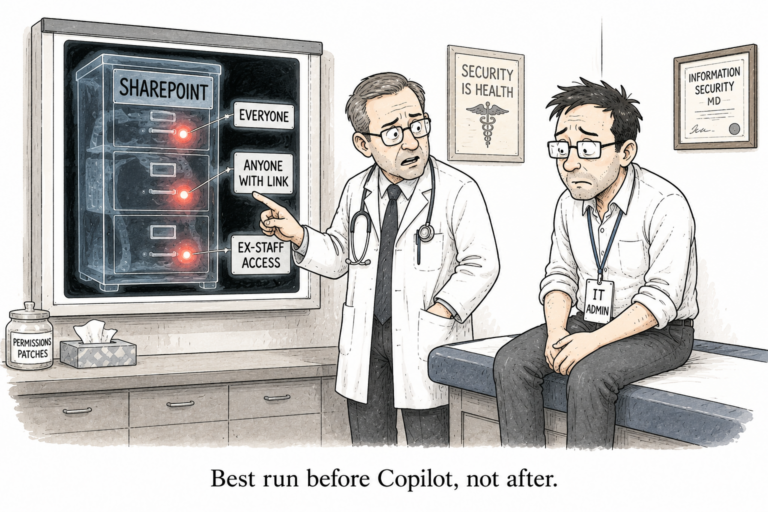
Next, you enable Copilot, and Copilot becomes extremely adept in discovering files accessible via some means. All of the above links instantly become one prompt away for the wrong individual.
I couldn’t find any free tool capable of scanning for those links in your tenant, assessing their risk levels, and revoking those that pose a threat. So I’ve created one. You can download it from the PowerShell Gallery
Install-Module SharingLinkAuditIt is on the PowerShell Gallery if you want to see the version and what is in the package first, and the source is on GitHub, MIT licensed. This post is how to use it.
Before you start
It needs PnP.PowerShell and your own Entra ID app registration, the same one any PnP tool needs since the shared app was retired. If you have not set that up, I wrote it up separately in Connect-PnPOnline: Specified Method Is Not Supported. Once you have the client ID, you are ready.
Audit one site
Get-SharingLink -SiteUrl "https://contoso.sharepoint.com/sites/Sales" `
    -ClientId "your-app-id" -Interactive
A browser opens, you sign in, and you get one object per link. A risky one looks like this:
ItemName    : Monthly Report.txt
ItemPath    : /sites/Sales/Shared Documents/Monthly Report.txt
Scope       : Organization
Access      : Edit
Recipients  : Everyone in the organisation
Expiration  :
HasPassword : False
RiskLevel   : High
WebUrl      : https://contoso.sharepoint.com/:t:/s/Sales/IQBiTS8ERt...
LinkId      : d695e0ac-057f-49fb-8d01-eff6bb843a44
Read that in one line: anyone in the organisation can edit this file, through a link that never expires. That is why it scored High.
If a site is clean it tells you so, rather than printing nothing and leaving you wondering whether it worked:
No sharing links found across 1 site(s).How the risk is scored
The RiskLevel is the whole point. It is what turns a long list into a short list of things to actually deal with.
- Anonymous “anyone with the link” is the worst starting point. Organization “anyone in the company” is a real exposure but internal. Users, specific named people, is what sharing is supposed to be.
- Edit is worse than View.
- No expiry counts against the broad links, because those are the ones that linger.
- An anonymous link with no password is a plain open door.
So a specific-person view link is Low, an org-wide edit link with no expiry is High, and an anonymous no-password edit link is Critical. You filter to what matters:
Get-SharingLink -SiteUrl $url -ClientId $id -Interactive -MinimumRisk HighAudit the whole tenant
This is the one people actually want. It needs SharePoint admin and the admin URL:
Get-SharingLink -TenantWide `
    -TenantAdminUrl "https://contoso-admin.sharepoint.com" `
    -ClientId "your-app-id" -Interactive -MinimumRisk High
It crawls every document in the tenant. In the case of an actual tenant, this is done in the slow crawl mode, and therefore, it does not conflict with SharePoint’s throttling. In case it receives a 429 error, it pauses until the required time specified by SharePoint and continues crawling rather than stopping completely.
This is the process through which the links are discovered and deserves consideration. The crawler does not go through all the files since doing so for a large library means tens of thousands of requests. It uses the hidden SharingLinks groups which indicate to it which files have links without checking the others. A library with fifty thousand files and two hundred files with links requires only two hundred requests, not fifty thousand.
.
Turn it into a report
Nobody reads a thousand rows scrolling past. Send it to an HTML report instead:
Get-SharingLink -TenantWide -TenantAdminUrl $admin -ClientId $id -Interactive -MinimumRisk High |
    Export-SharingLinkReport -Path .\sharing.html -Html
Report generated: 14 link(s) written to C:\reports\sharing.htmlThat is a self-contained page, colour-coded by risk and sorted worst first with no external anything, that you can open in a browser and email to whoever asked “are we overshared”. There is a .csv option too if you want it in Excel.
Revoke the bad ones, carefully
Revoking a sharing link cannot be undone. The link is gone and whoever relied on it has to be re-shared. So always look before you leap:
Get-SharingLink -SiteUrl $url -ClientId $id -Interactive |
    Where-Object Scope -eq 'Anonymous' |
    Remove-SharingLink -WhatIf
-WhatIf shows you exactly what would be removed and deletes nothing. Read that list. Then, when you are sure, drop the -WhatIf:
Get-SharingLink -SiteUrl $url -ClientId $id -Interactive |
    Where-Object Scope -eq 'Anonymous' |
    Remove-SharingLink
Since it will read from the pipe line, whatever it filters out is exactly what you will take back, whether it be the anonymous links, the expired links, or the entire thing of one site. I wouldn’t go for a total “take out all the links from the tenant,” since the majority of those links are there to be shared.
Running it unattended
For a weekly report on a schedule, swap the browser sign-in for a certificate:
Get-SharingLink -TenantWide -TenantAdminUrl $admin `
    -ClientId $id -CertificatePath .\audit.pfx -Tenant contoso.onmicrosoft.com |
    Export-SharingLinkReport -Path .\weekly-sharing.csv
That version needs the app to have Sites.FullControl.All, which is a high permission. Grant it deliberately, to a dedicated app, not to the interactive one you use day to day.
That is the whole thing
Audit the site or the tenant, filter out the risky bits, report it, and revoke it all accordingly. It actually detected legitimate organization wide edit links the first time I directed it to an actual tenant, which was kind of the whole point. This sort of stuff is out there already, lurking silently, just waiting to be surfaced by Copilot.
It’s free and open source software. If you run into any bugs or find anything it isn’t catching, then the GitHub repository is the way to go.
One Comment
Comments are closed.