Copilot in SharePoint is now opt-out what changed and how to control it
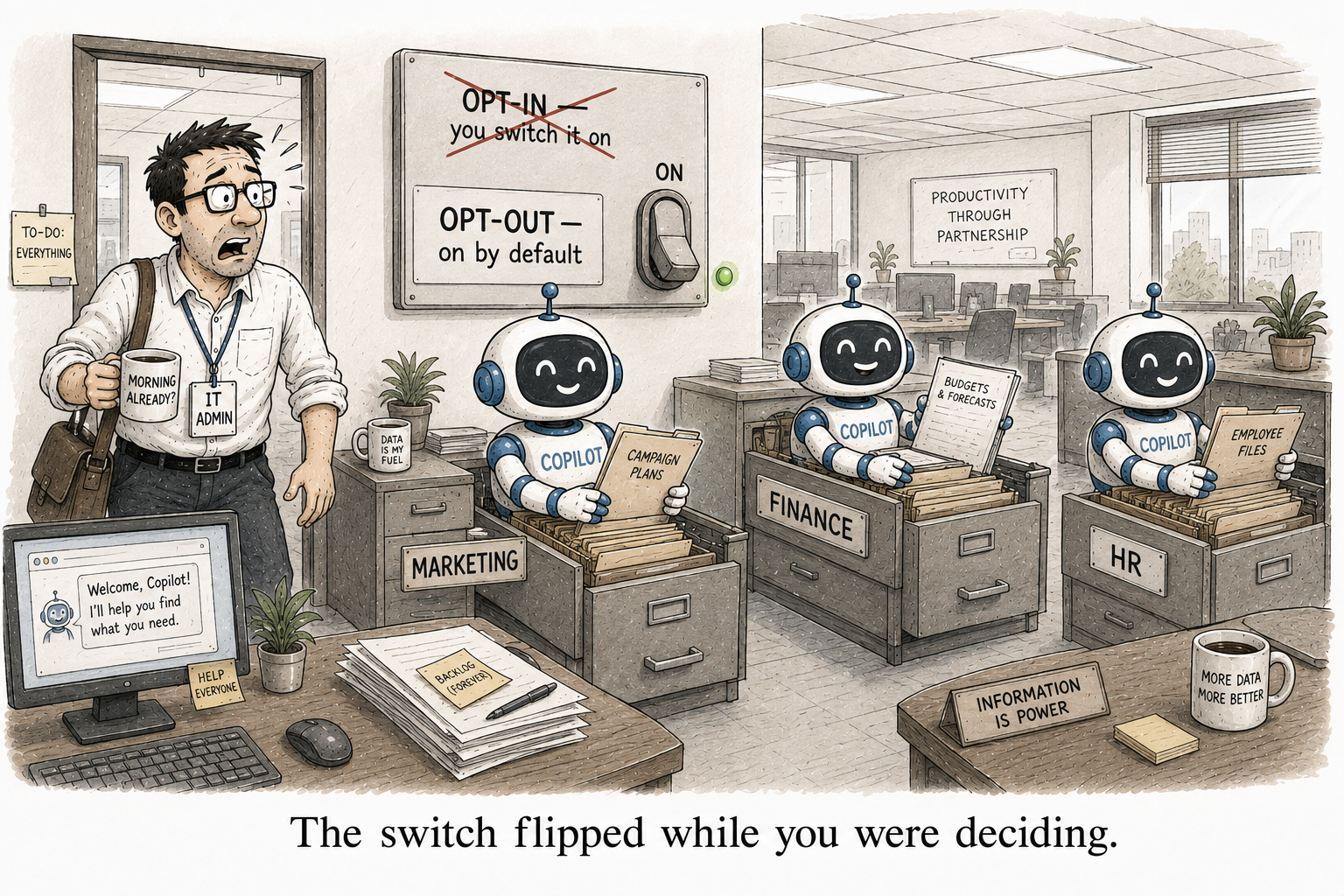
For the last year, Copilot in SharePoint was something you switched on. You had to opt in. As of mid-June 2026 that flipped. It is an opt-out preview now, which means if you hold Microsoft 365 Copilot licences and you have not touched the setting, it is already on across your sites.
No admin action is needed to receive it. If you opted your tenant or specific sites out earlier, those choices are honoured. And if you run GCC, GCC High, DoD or the 21Vianet cloud, it does not reach you yet.
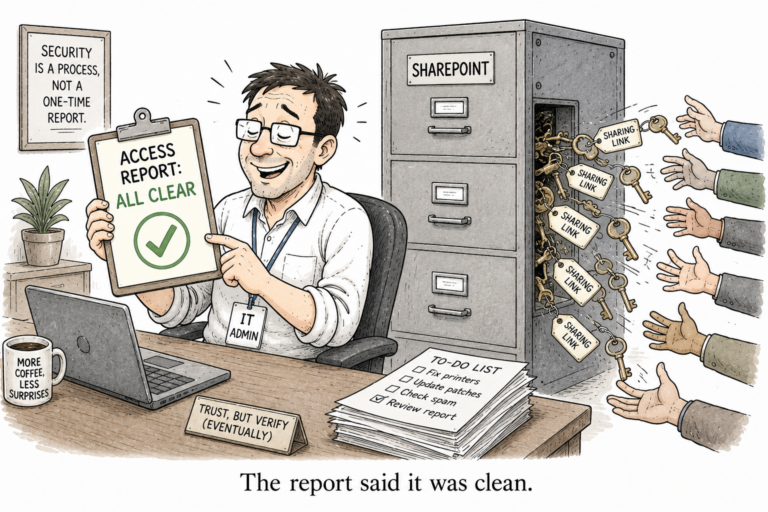
Here is why the flip matters more than the feature. On by default means Copilot in SharePoint now sits across your sites, pages, libraries and lists, answering questions from that content for anyone with a licence. It does not widen access. It reads only what a user can already open. But that is the whole point of the oversharing problem. If your permissions are a mess, the default-on assistant is the thing that finally makes the mess findable, in plain language, to anyone who asks.
The controls, and the one worth using
During the preview, availability is managed with PowerShell, through the KnowledgeAgent parameters on Set-SPOTenant. You need the SharePoint Online Management Shell version 16.0.26615.12013 or later.
To turn it off across the whole tenant:
Connect-SPOService https://yourtenant-admin.sharepoint.com

Set-SPOTenant -KnowledgeAgentScope NoSites

Get-SPOTenant | Select-Object KnowledgeAgentScope
Turning the whole thing off is the reflex, and for most tenants it is the wrong one. You paid for the licences. The better move is to keep it on and exclude only the sites you have not reviewed yet. That is the ExcludeSelectedSites scope:
Set-SPOTenant -KnowledgeAgentScope ExcludeSelectedSites

Set-SPOTenant -KnowledgeAgentSelectedSitesList @(
    "https://yourtenant.sharepoint.com/sites/Finance",
    "https://yourtenant.sharepoint.com/sites/HR"
)

Get-SPOTenant | Select-Object KnowledgeAgentScope, KnowledgeAgentSelectedSitesList
The list holds up to 100 sites, and -KnowledgeAgentSelectedSitesListOperation Append adds to it without overwriting what is already there.
One practitioner note. You do not need the SharePoint Online Management Shell just to see where a tenant stands. If you already run PnP PowerShell, Get-PnPTenant exposes the same setting, as KnowledgeAgentEnabled, KnowledgeAgentScopeMode and KnowledgeAgentSelectedSitesList:
Get-PnPTenant | Select-Object KnowledgeAgentEnabled, KnowledgeAgentScopeMode, KnowledgeAgentSelectedSitesList
Worth knowing, because the two shells do not sit together well. They ship conflicting SharePoint client assemblies, and installing one next to the other breaks the load. Read with the one you already have.
Two smaller levers are worth knowing. Per user, you can turn Microsoft 365 Copilot for SharePoint on or off in the service plans under the Copilot licence in the Microsoft 365 admin center. And every site owner has a Site AI settings panel, where they can choose which agent opens and hide the Copilot button from visitors.
The lever you already have
Here is the part that ties back to the work you should already be doing. Restricted Content Discovery is respected. If RCD is on for a site, Copilot in SharePoint and its AI actions do not appear there, whatever your availability setting says. So the same switch that keeps a site out of org-wide search and out of Copilot’s reach also keeps it out of Copilot in SharePoint. One brake, three problems.
That is the sane sequence. Exclude or RCD the sites you have not reviewed, fix the oversharing underneath, then let default-on be exactly what Microsoft intended. If you have not started that review, I wrote up reporting who can reach a site. And if agents are next on your list, the same on-by-default problem shows up there too, which I covered in agent sprawl.
The opt-in era gave you time to get ready. The opt-out era assumes you already are.
One Comment
Comments are closed.