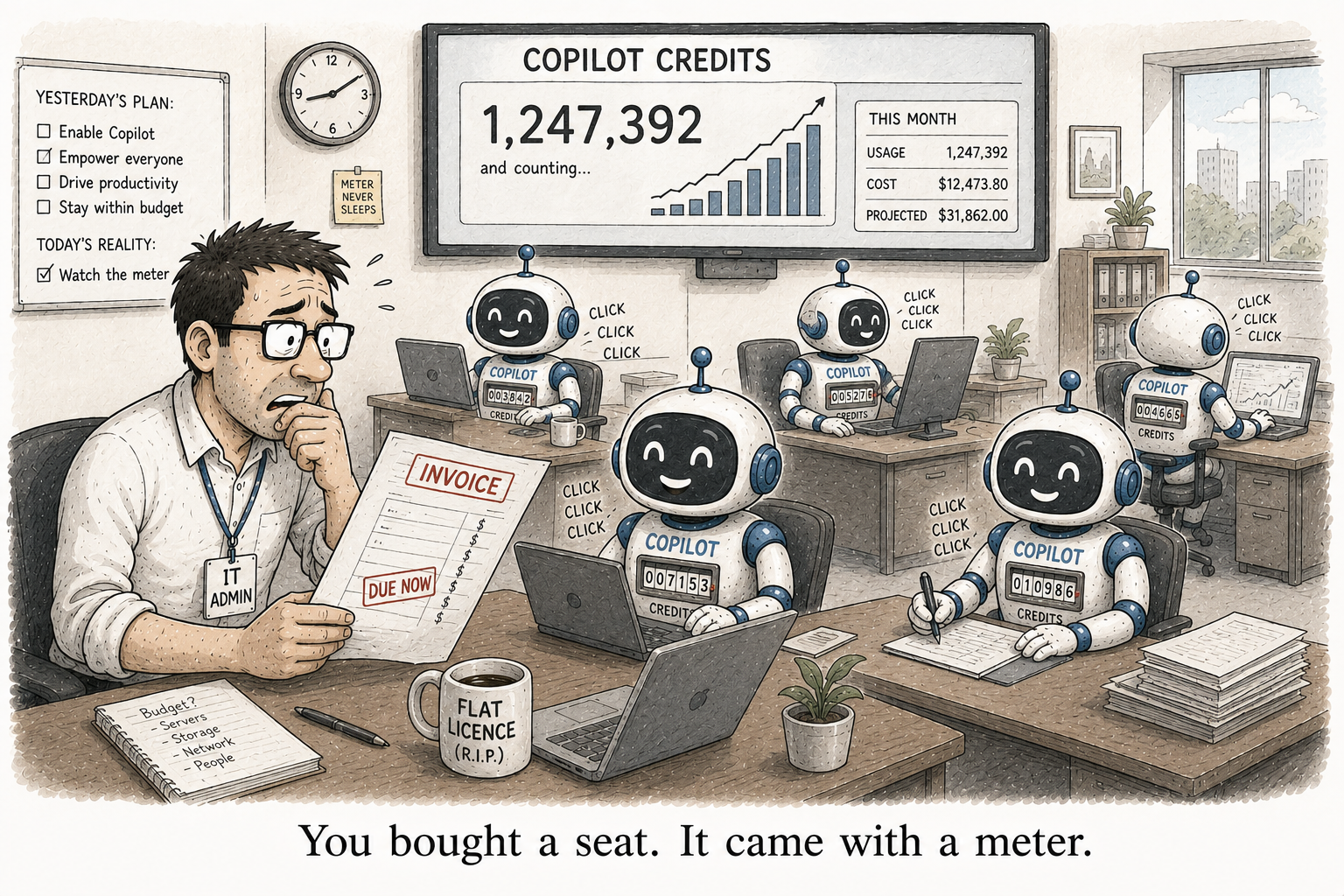
Copilot Credits the usage bill behind your flat Copilot license
For years, budgeting Copilot was simple. A licence was a flat per-user cost. You multiplied seats by a number and you were done. That is no longer the whole picture. Some Copilot experiences now bill by consumption, measured in Copilot Credits, and consumption does not sit still.
Copilot Credits are a common currency for the Microsoft services that run on usage-based billing. In the Microsoft 365 admin center today that covers Copilot Cowork and the Work IQ API. Copilot Chat, SharePoint agents and the Retrieval API run on pay-as-you-go, and Copilot Studio bills on its own meter. More services land on Credits over time, so treat this as the direction, not a corner case.
What actually burns a credit is worth knowing, because it explains why two agents cost different amounts. Credits are charged for the language-model tokens, for the tools and knowledge an agent calls, and for the harness that runs it. A chatty agent grounded on a large body of content is not the same line item as a simple one that answers from a single list.
Which is where this meets the problem I wrote about in agent sprawl. Every agent a maker spins up is not just a new governance surface. It is a new consumption line. Agent sprawl and credit sprawl are the same graph drawn twice.
The dashboard that keeps the invoice honest
The control lives in the Microsoft 365 admin center, in the Cost Management dashboard. It is where you allocate credits, apply access policies, and set the limits that stop a popular agent turning into a surprise.
Setup gives you the money model first. You enable usage-based billing with prepaid credits (the P3 option), pay-as-you-go, or existing capacity, and you can connect an Azure subscription to bill at scale. Then you define spending policies: who is allowed to consume, and how much. The part not to skip is the hard cap. A hard cap is the difference between an overspend you catch and one you explain.
Two tabs do the watching. The Overview tab is the real-time snapshot: total consumption, remaining capacity, and where the trend is heading. It answers “are we on track” at a glance. The Consumption tab is where you go when the answer is no. It drills into usage by user, group, service or agent, so the one agent quietly eating your credits has nowhere to hide.
Here is the stance, and it is the same one that applies to every variable cost. The caps go on before, not after. You set them the week you turn on your first consumption-billed agent, while the numbers are small and boring, not the month an invoice makes them interesting. The Overview tab tells you that you have a problem. The Consumption tab tells you whose it is. The hard cap means you found out with room to act.
A flat per-seat licence trained a generation of admins to forecast Copilot once and forget it. That habit is now the expensive one.