SharePoint governance

Restricted Content Discovery vs Restricted SharePoint Search: what actually hides content from Copilot

An admin switches on Restricted SharePoint Search to keep Copilot away from the messy sites nobody has cleaned up yet, tells the boss it is handled, and one week later the help desk is full of “I cannot find anything in search now” tickets. Two features sound like they do the same job, and picking the wrong one is exactly how you land in that week.

So there are two of them: Restricted SharePoint Search and Restricted Content Discovery. Both keep content out of org-wide search and out of Microsoft 365 Copilot. But they are not the same tool, they are not meant for the same job, and as of this month one of them is on its way out.

Restricted SharePoint Search: a blanket over the whole tenant

Switch it on, and org-wide search and Copilot see only the sites you put on an allowed list (up to 100), plus each user’s own OneDrive, the sites they visit often, and the files that were shared with them or that they recently touched. Everything else drops out of tenant-wide discovery. Not deleted, not locked, just invisible to search.

Microsoft has always called this a temporary measure, and now they are ending it. From 31 July 2026, you can no longer turn Restricted SharePoint Search on for the first time, and the official word is to move to Restricted Content Discovery instead. If you already have it on, the plan is the one it always was: use it to buy time, fix the oversharing underneath, and then switch it off.

So it was never meant to stay. A tenant where search only ever returns 100 sites is a tenant where people quietly stop using search, and Microsoft’s own advice is to disable it once you have cleaned up.

Set-SPOTenant -EnableRestrictedSharePointSearch $true

The allowed list, up to 100 sites, you curate with Add-SPOTenantRestrictedSearchAllowedList, Remove-SPOTenantRestrictedSearchAllowedList and Get-SPOTenantRestrictedSearchAllowedList, passing a site URL or a CSV of them.

Restricted Content Discovery: a switch on one site

This is the one Microsoft is now pointing everyone to. It is per-site. Turn it on for a site, and only that site’s content drops out of org-wide search and Copilot. Every other site stays exactly as it was. No allowed list, no tenant-wide blanket, just a flag on the sites that really need it.

Set-SPOSite -Identity "https://contoso.sharepoint.com/sites/Finance" `
    -RestrictContentOrgWideSearch $true

# read it back
Get-SPOSite -Identity "https://contoso.sharepoint.com/sites/Finance" |
    Select-Object Url, RestrictContentOrgWideSearch

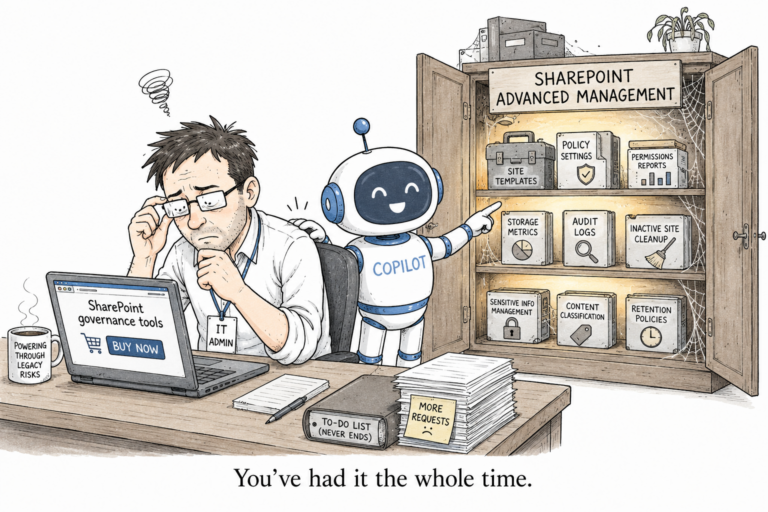
There is a licensing catch. Restricted Content Discovery is a SharePoint Advanced Management feature, so you need SharePoint Advanced Management to use it, which you get either by having Microsoft 365 Copilot licensed (even a single user counts) or by buying the add-on. Restricted SharePoint Search needed no such thing, and that is the main reason the blunt one was what most tenants reached for first. Now that it is retiring, the licensed per-site switch is what is left.

The difference that actually matters

So here is the whole thing in one line. Restricted SharePoint Search decides what is discoverable and hides everything else. Restricted Content Discovery decides what is not discoverable and leaves everything else alone. One is opt-in for the entire tenant, the other is opt-out for a handful of sites.

The blanket was for the panic phase, when Copilot is going live tomorrow and you have audited nothing. The per-site switch is for afterwards, when you already know which three sites hold the sensitive material and you want them out of Copilot without breaking search for everybody else. Microsoft has now made that choice for you: the blanket is being taken away, and the switch is what remains.

What neither of them does

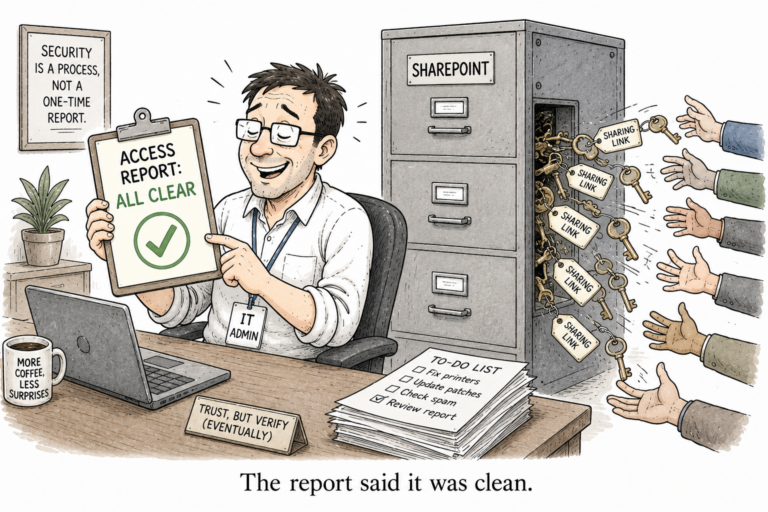
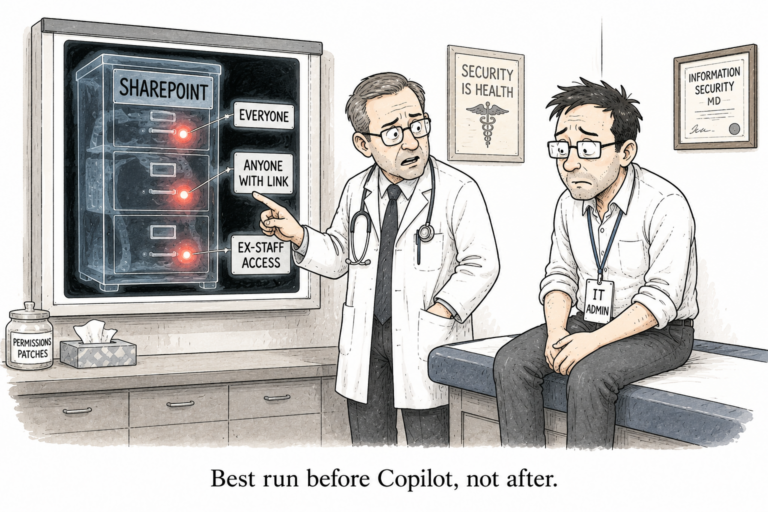
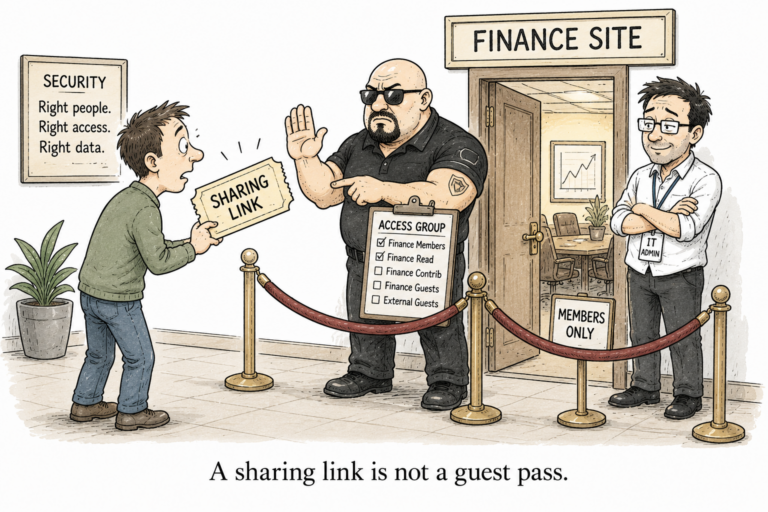
Now the part people miss, and Microsoft is blunt about it in its own docs: neither feature is a security boundary, and neither changes who can open the content. That Everyone-except-external claim on the finance site is still sitting there. That organisation-wide sharing link still works. Anyone who already had access still walks straight in, search inside the site still finds everything, and while the blanket is on, Copilot will still surface a site to a user who recently visited it. You have not fixed the oversharing at all. You have only stopped Copilot from putting a spotlight on it in front of the whole company.

That is a reasonable thing to do while you clean up. It is a bad thing to mistake for the cleanup. The access is the real problem; discovery is only the symptom that Copilot made loud.

So the order is simple, and it is the order Microsoft itself recommends. Find the oversharing first, decide which sites genuinely need to stay hidden, and use Restricted Content Discovery on those. These controls only buy you the time to do it. They do not do it for you.

I wrote a free tool for the finding-the-oversharing part, if that is where you are stuck: User Access Explorer.