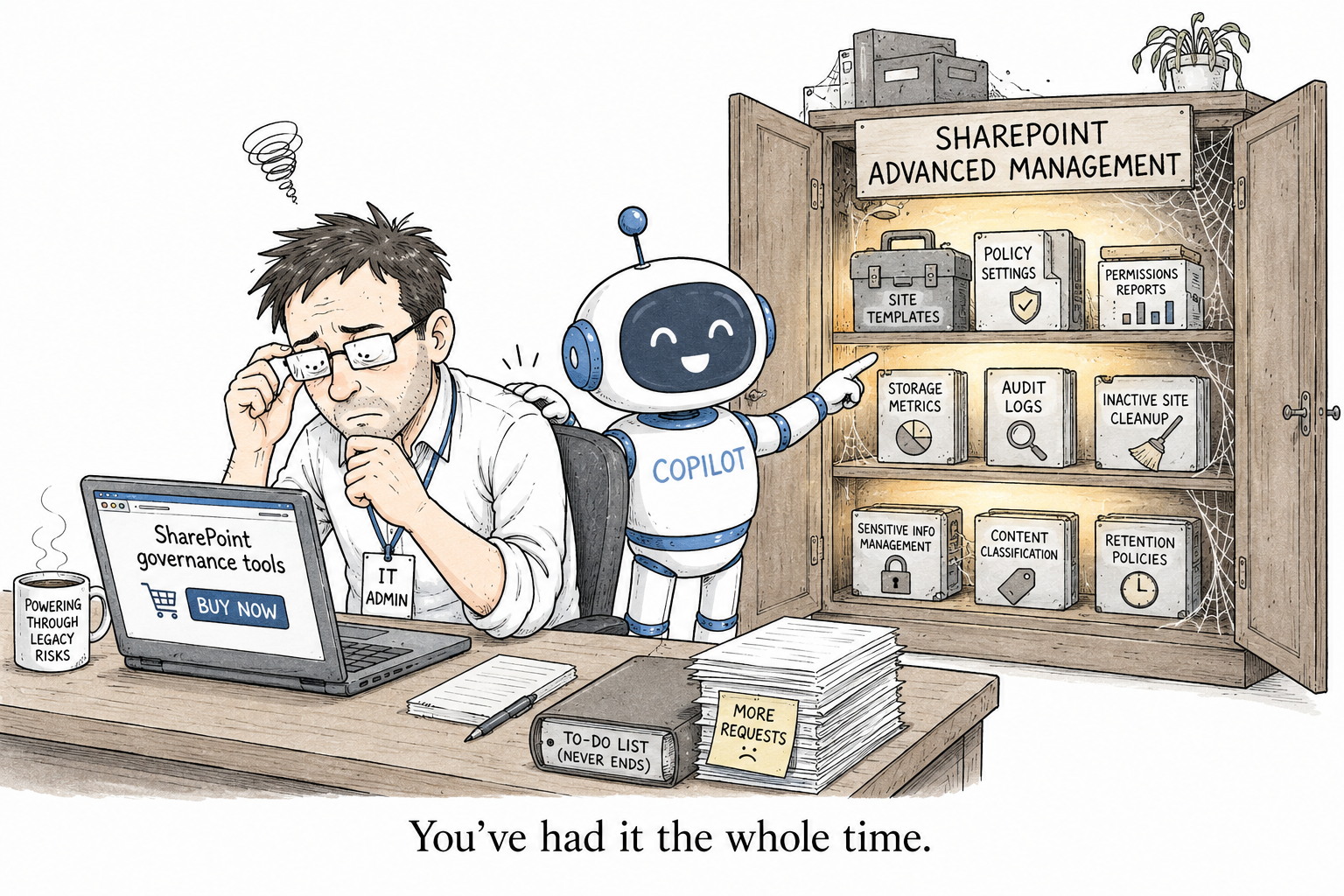
SharePoint Advanced Management: what you get, and whether you already have it
You are reading a Microsoft article about getting ready for Copilot, and it keeps telling you to use SharePoint Advanced Management for this and that. You assume it is one more paid add-on you do not have, and you close the tab. Here is the thing nobody puts in bold: if a single person in your organization has a Copilot license, you already have most of it, and it has been sitting in your SharePoint admin center the whole time.
So let us clear up what it is, and whether you have it, because both are simpler than they look.
What SharePoint Advanced Management actually is
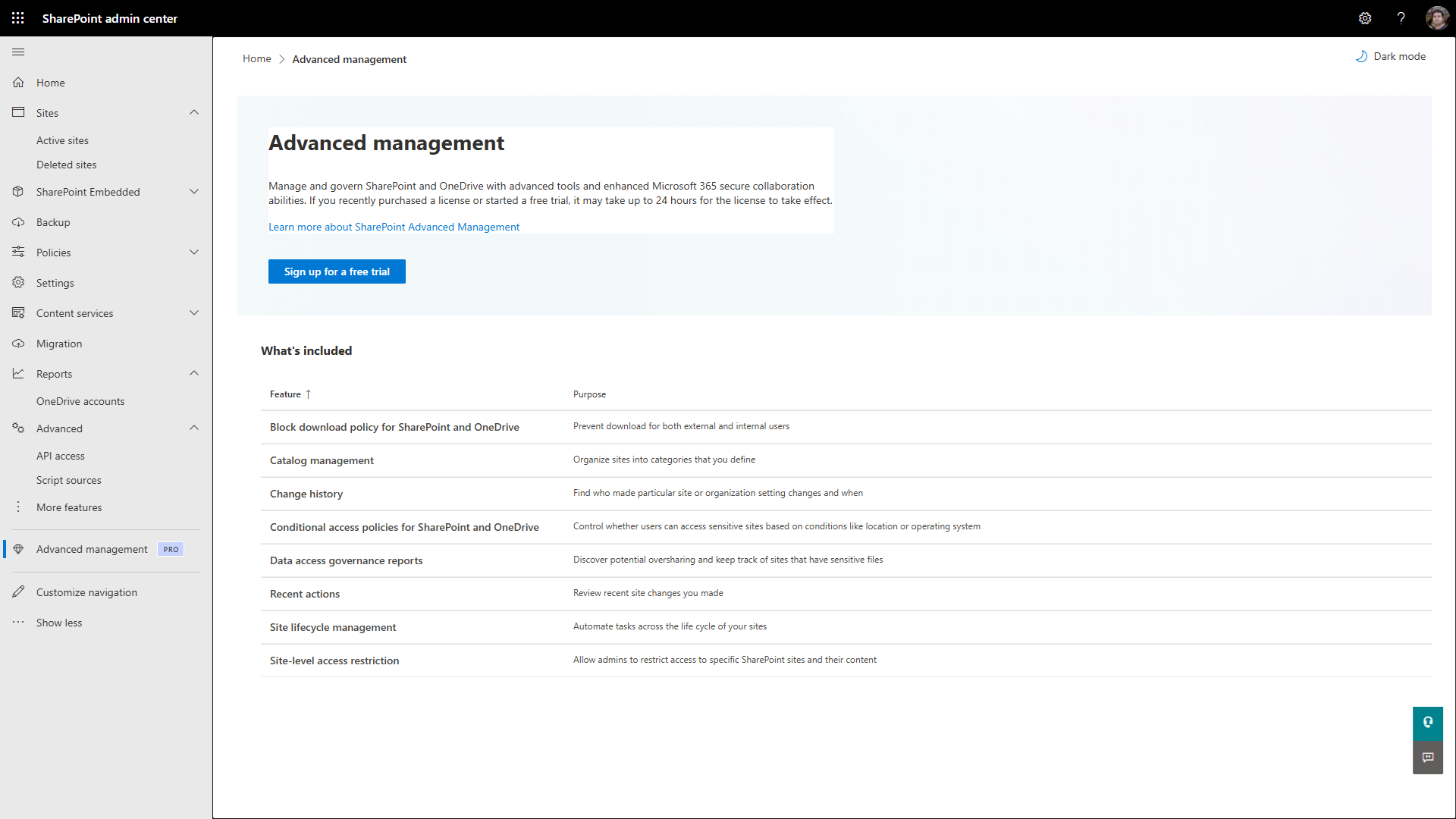
SharePoint Advanced Management, or SAM, is a set of governance controls for SharePoint and OneDrive, run from the SharePoint admin center. Microsoft points it at three jobs, in their own plain words: managing content sprawl, managing the content lifecycle, and preventing oversharing.
That last one is why it keeps coming up around Copilot. Oversharing is the thing Copilot makes loud, and SAM is the box of tools Microsoft hands you to deal with it.
The part worth checking before you assume you cannot use it
If your organization assigns even one Microsoft 365 Copilot license to one user, your SharePoint admins get the SAM features that support Copilot. Read that again: not the licensed user, the admins, for the whole tenant. One license trips the switch for everybody who administers SharePoint.
If you have no Copilot anywhere, you can still buy SAM on its own as the Plan 1 add-on, which runs about three dollars per user per month. But most organizations that are even thinking about Copilot have already crossed that line without noticing, and are sitting on a set of governance tools they never opened.
What is actually in the box
You will not use all of it. You will use three or four. The pieces most people came for are the Data Access Governance reports, which are the oversharing reports:
- a permission-state snapshot across all your sites, so you can see how broadly things are exposed
- the list of every site a given user can reach, and how
- a sharing-links activity report, the sites where people created the most new links lately
- the Everyone except external users report, the single most useful thing in here for a Copilot rollout
Around those sit the controls you act with. Restricted Content Discovery and Restricted Access Control keep a site out of Copilot or lock it to one security group. Block download policies stop files leaving a site. Inactive-site and site-ownership policies handle the sprawl, and change history and recent admin actions cover the lifecycle, so you can see who changed what on a site over the last 180 days.
The one thing the Copilot license does not give you
Almost everything above comes with that one Copilot license. The exception worth knowing is restricting which non-Microsoft apps can create sites, which still needs the Plan 1 add-on. A couple of the reports, like the sensitivity-label snapshot, also want E5. Everything else in the list lands the moment the first Copilot license does.
How to find out what you have
It all lives under Advanced management in the SharePoint admin center. If you have never opened that node, open it. That is faster than reading any licensing table, because it only shows you what your tenant can actually use.
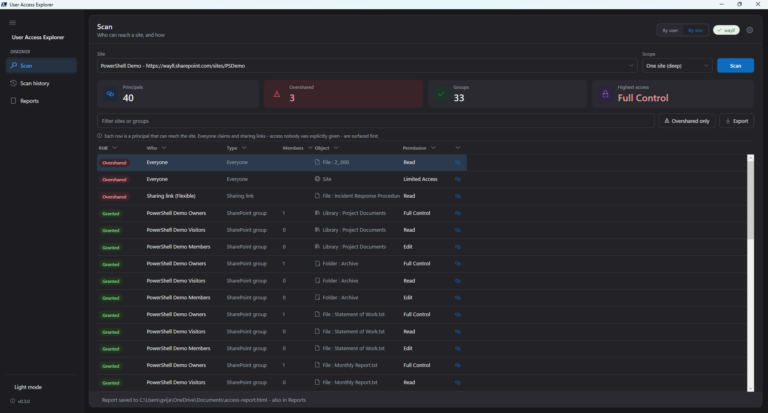
So before you go hunting for a third-party tool to tell you who can reach what, check whether the Data Access Governance reports are already there. If they are, start with them. And if they are not, because there is no Copilot and no add-on anywhere in sight, that same oversharing view is exactly the gap I built User Access Explorer to fill, for free.

2 Comments
Comments are closed.