Entra does not email you when an app client secret expires
There was absolutely no prior indication to my first experience with the expiration of a client secret. I had several applications that all authenticated via the same app registration expire at the exact same time and it took me about twenty minutes to figure out where the problem didn’t lie.
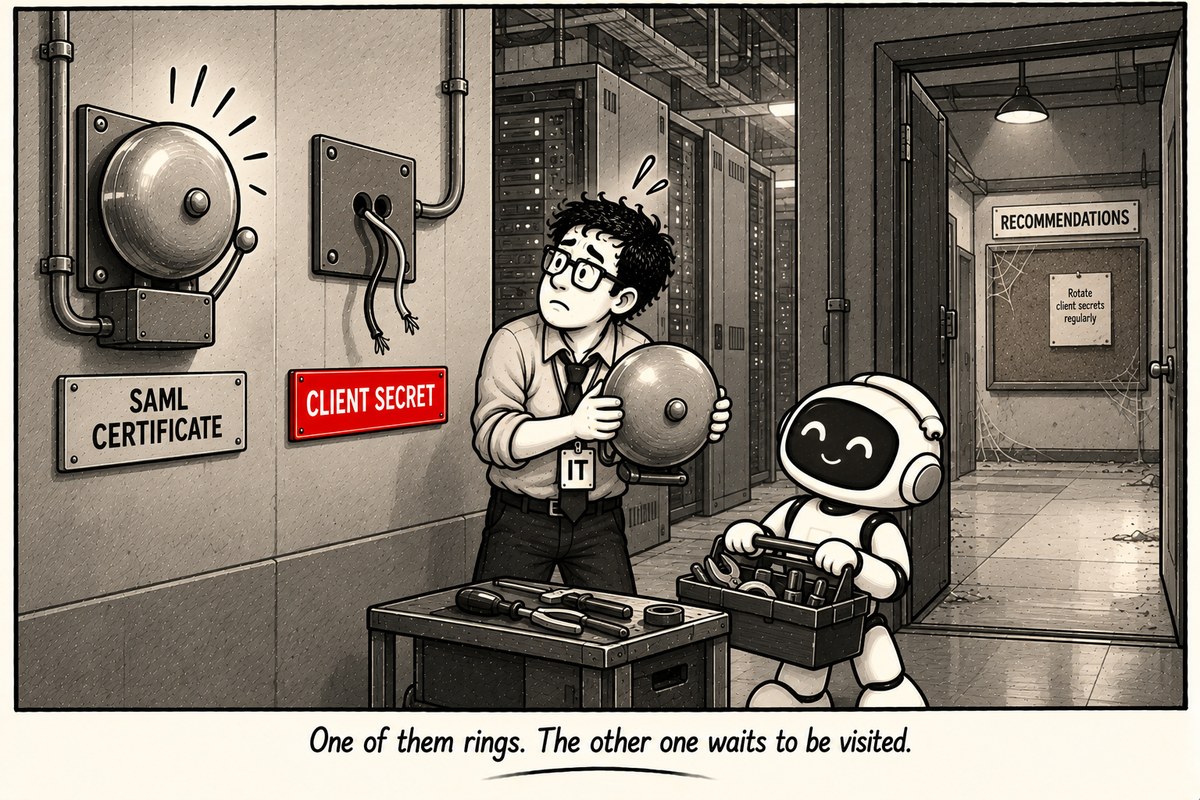
And here’s where it trips us up. When you register an enterprise application using Entra, it gives you a notification when your SAML signing certificate will expire. We all then assume we get the same kind of notification when it comes to the expiration of a client secret of an app registration. We don’t. There is absolutely no configuration or toggle for notifications.
What you get instead is a recommendation.
From the Entra admin center, select Entra ID > Overview, then click the Recommendations tab, where you’ll find a recommendation named “Renew expiring application credentials.” The recommendation gives you the list of all app registrations that have an expiring certificate/credential within the next 30 days. The list includes the name of the application as well as its Application ID, and each line takes you directly to Certificates & secrets for rotation.
If you’d prefer to get the same information using Graph, you can do that. The recommendation is available via the beta endpoint.
GET https://graph.microsoft.com/beta/directory/recommendations/{tenantId}_ApplicationCredentialExpiryAny reading that requires DirectoryRecommendations.Read.All access. All right then – until you encounter the gotchas.
The thirty-day time frame is the only one. You conduct your quarterly reviews, a secret which appeared to be valid when you reviewed it will expire before you get around to looking at it once again. Thirty days will remind you to look at it, but it will not give you any opportunity to take into account some freeze on changes or slow approvals.
Someone should also not forget to open that tab. A recommendation which stays unattended in the portal is not much different from a total lack of alert. The whole idea was that nobody paid attention to the expiring dates, and what Microsoft comes up with is just another screen to be ignored.
And finally, one more thing to verify first. The recommendation is still in Preview state, and the sample response includes “requiredLicenses”: “microsoftEntraWorkloadId”. The feedback I received from other administrators is that there are different results depending on the licence used, so better to make sure you have this one displayed in your tenant before using it as a basis for your own solution. Also, there is another recommendation for Renew expiring service principal credentials for enterprise apps, so there are two separate tabs for app registrations and enterprise apps.
If you want to get the actual notification, you design it yourself. And you do not need the recommendation at all for that matter. You can retrieve passwordCredentials and keyCredentials directly from the application objects, which means you can choose your own timeframe without being limited to 30 days and a license requirement.
This is what I did in the end. I packaged it into a small PowerShell module and uploaded it to the gallery.
Install-Module EntraCredentialExpiryIt will read the secrets and certificates from your app registrations, as well as your enterprise applications if you opt for that, bucket them based on the time frames you select, and will notify you either with a Teams card or with an email before any of them expires. This tool will never access your secrets directly. It will log into the app using either a managed identity or a certificate but never with a client secret which you want to avoid being surprised with.
Use it manually whenever you need it.
Get-EntraCredentialExpiry -IncludeServicePrincipals -ExpiringOnly | Format-TableJust set it up once on whatever you currently use: Azure Automation, Azure Function timer, or GitHub Action, and have it email you. The idea is that you take the task of remembering and put it onto a timer instead. It is completely free and open-source, on the PowerShell Gallery and GitHub.
It is better to get everything done before there is any need for it. An app registration that is shared but whose secret is expired fails rather abruptly. Everything stops dead on its tracks, and nothing explains why it happened.