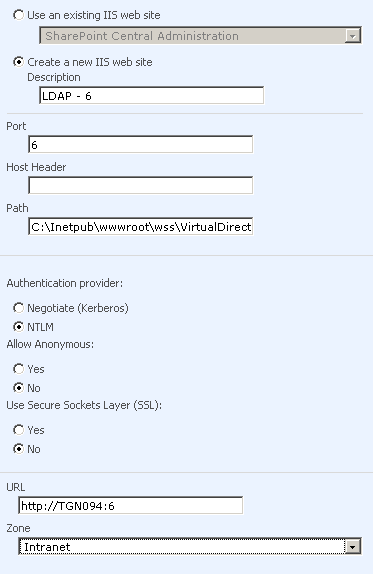
Configuring LDAP authentication in MOSS 2007 Create a web application on port 5 (not only on 5 you can chooose other ports too) Extend the web application on to port 6 (which was created on port 5) Extend the web application on to port 6 Continue reading… Share this:FacebookTwitterEmailPrintLinkedInRedditTumblrPinterestPocket August 26, 2008 by GVK MOSS - Administration and Operation