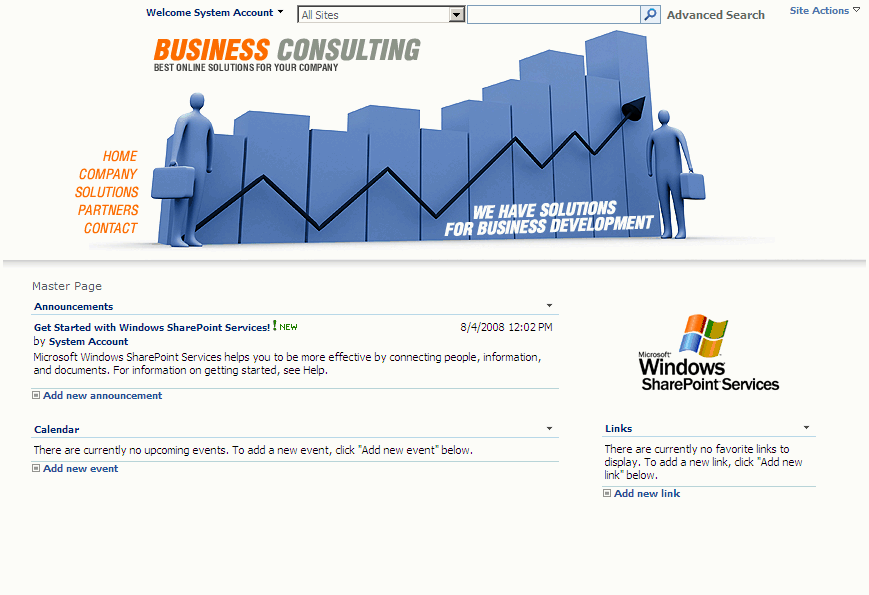
Here I created a simple sample Sharepoint site template with rounded corners.
This template allows you to create a new site with rounded corners around the webparts
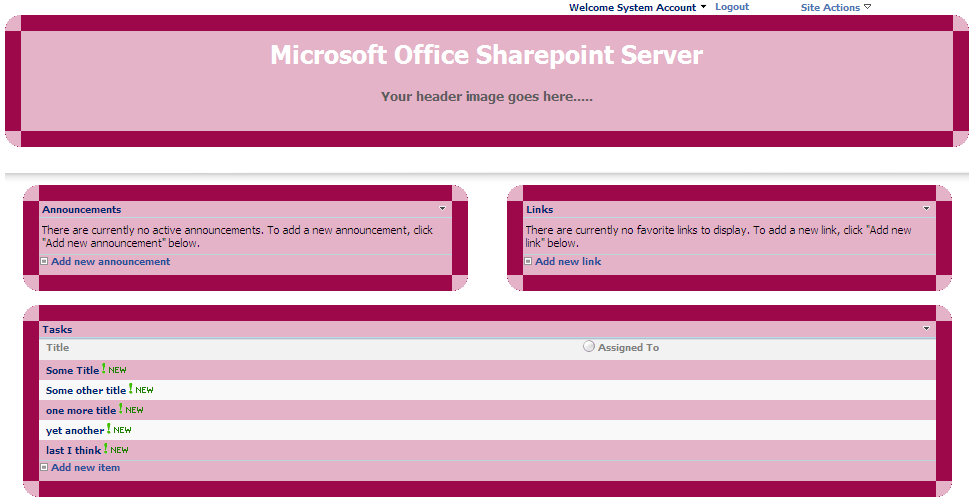
Sharepoint Sample Site Template
Microsoft Office Sharepoint Server
Here I created a simple sample Sharepoint site template with rounded corners.
This template allows you to create a new site with rounded corners around the webparts
Sharepoint Sample Site Template
Today we are going to learn how to apply the background color to a custom list column based on other column value, firstly, I tried this scenario using calculated formula column type but some javascript code is needed to render the background color based on calculated formula value, so I did some research and come up with the best easy way….. Continue reading…
One of my client asked to set the task list title textbox to readonly mode when the user selects edit item property from the context menu.
So, I thought to complete this scenario by making use of javascript Continue reading…
To display only the current site title in Sharepoint breadcrumb add the property ParentLevelsDisplayed=”0″ in the <asp:SiteMapPath… tag
The below Asp:SiteMapPath tag display only the current site title Continue reading…
Now, we learn how to customize the sharepoint search box

Sharepoint default search box

Customized search box
If you are looking to copy list items from one Sharepoint site to another programmatically, please have a look at this post
In this post you will learn how to copy list items from one list to another using Sharepoint Designer workflow, for this you need basically two lists, Source List and Destination List
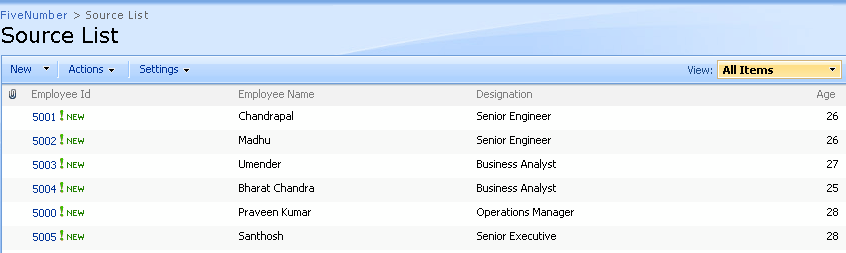
Source List
There is very easy way to open the Links webpart links in new window using SPD.
1. Open the site in sharepoint designer.
2. Select the Links webpart and convert it into XSLT Data View
3. Then, select any one of the link in Links webpart and right click you will find Hyperlinks Properties option, Click on that
4. It will open Edit Hyperlink dialogue. Click on the Target Frame button which is located right side of the dialogue box.
5. Here, now it opens one more dialogue box naming Target Frame. Select the New Window option from common tragets list and click OK.

Formatted text in Sharepoint list
1. Open the site in Sharepoint Designer
2. Select the list webpart and convert it into XSLT Data View
3. Select the column text which you want to make as bold/italic right click and take mouse over on Format Item as option and click on Text
4. Then format the text accordingly.