Archive for category: MOSS - Administration and Operation

Microsoft Office Sharepoint Server

Change central administration port number

23 September, 2008 (14:12) | MOSS - Administration and Operation | By: GVK

Follow the below steps to change the Central Administration port number

On the sharepoint server open the command line window and type cd C:Program FilesCommon FilesMicrosoft Sharedweb server extensions12BIN
To find out the current central admin port no. type stsadm.exe -o getadminport
To change the central admin port no type stsadm.exe -o setadminport -port <portnumber>

for example: if you [...]

Configure site usage reports in MOSS 2007

1 September, 2008 (09:07) | MOSS - Administration and Operation | By: GVK

1) Configure site usage reports in Central Administration
Go to, Central Administration > Operations > Usage Analysis Processing
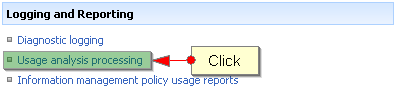
On the Usage analysis processing page select the check box Enable logging in Logging Settings section
Enter the location of log file and the numeric value in number of log files to created:
Select the check box Enable usage analysis processing [...]

Configuring LDAP authentication in MOSS 2007

26 August, 2008 (10:12) | MOSS - Administration and Operation | By: GVK

Create a web application on port 5 (not only on 5 you can chooose other ports too)
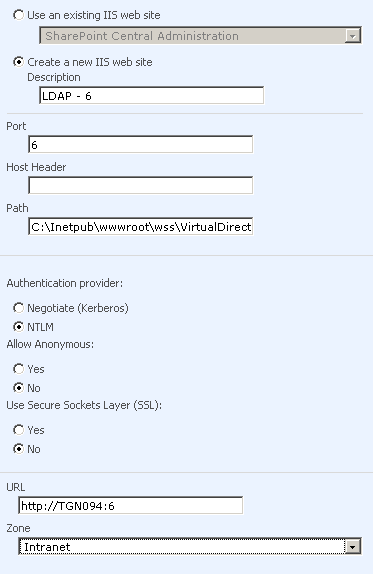
Extend the web application on to port 6 (which was created on port 5)
copy & paste the below tags exactly after machinkey tag (<machineKey validationKey=”7B896F9AC751CE89F7EEB83E766CF6004D42A26DB9C26C95″ decryptionKey=”2DB30482C44B8B6EE13444509E5243E761241B67209B6FF2″ validation=”SHA1″ />)
<membership defaultProvider=”LDAPMember”>
<providers>
<add name=”LDAPMember” type=”Microsoft.Office.Server.Security.LDAPMembershipProvider, Microsoft.Office.Server, Version=12.0.0.0, Culture=neutral, PublicKeyToken=71E9BCE111E9429C” server=”fivenumber” port=”389″ useSSL=”false” userDNAttribute=”uid” [...]

Configure incoming e-mail settings in Sharepoint document library

23 July, 2008 (13:53) | MOSS - Administration and Operation | By: GVK

Configure SMTP relay setting:
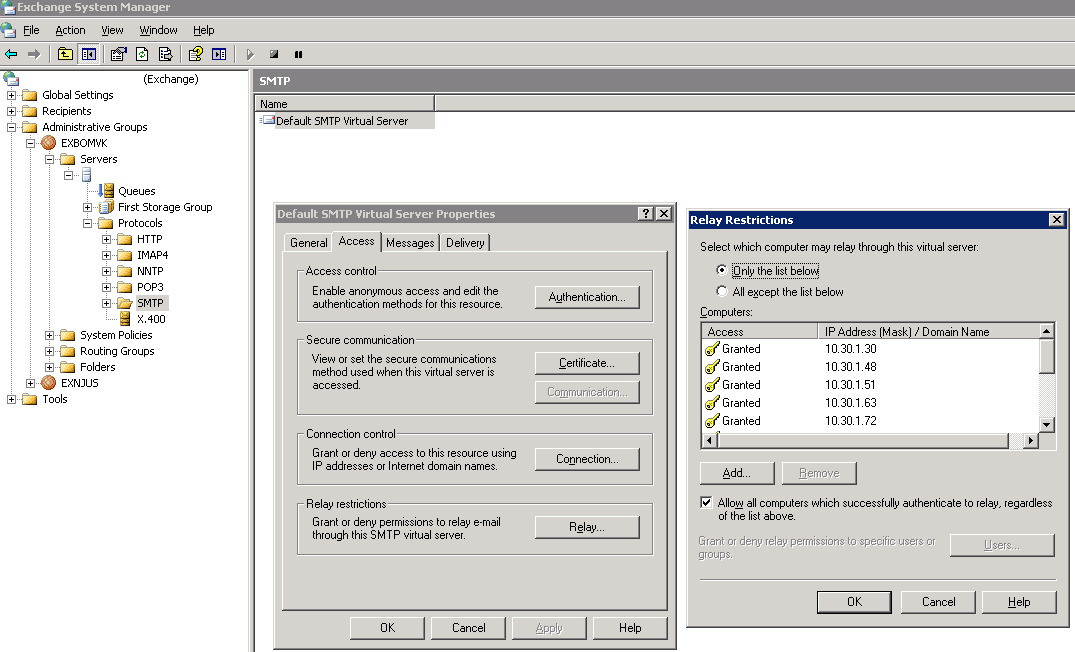
This can be done by network administrator, ask network person to add the Sharepoint server IP address in the relay restriction list as show in the above Figure 1
Configure Incoming E-Mail Settings in central administration:
As shown in Figure 1 of 2 and Figure 2 of 2

Creating Document library:
While creating the document library [...]

Configure outgoing e-mail settings in Sharepoint

23 July, 2008 (12:55) | MOSS - Administration and Operation | By: GVK

Install SMTP service:

Start > Settings > Control Panel Double click Add or Remove Programs.
In Add or Remove Programs click on Add/Remove Windows Components.
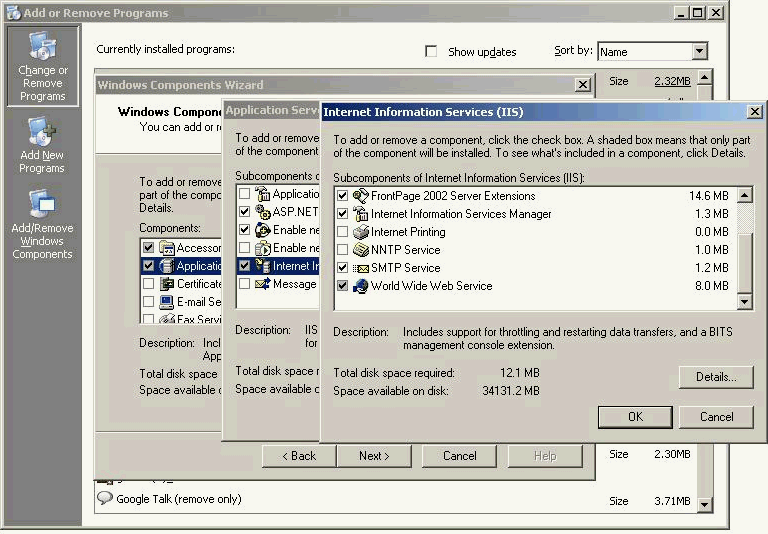
In the components box double click Application Server or check the Application Server and then click Details button below
Now, you can see one more box, double click Internet Information Services (IIS) or [...]