Archive for month: October, 2008

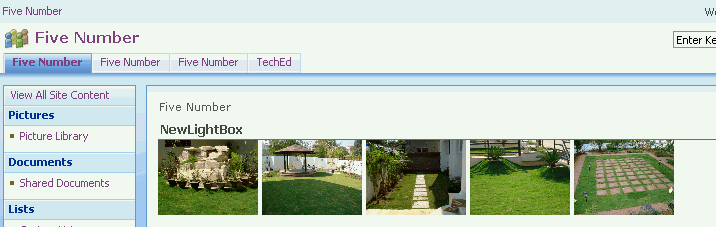
Lightbox enabled custom webpart, displays images from sharepoint picture library

23 October, 2008 (12:52) | MOSS - Object Model | By: GVK

Here is the simple Lightbox enabled custom webpart which displays the images from sharepoint picture library. Instructions to use: Download Lightbox After downloading, copy all the Lightbox files or folders to sharepoint 2007 website using sharepoint designer 2007. Add the lightbox javascript and css reference tags in the head section of sharepoint site master page. [...]
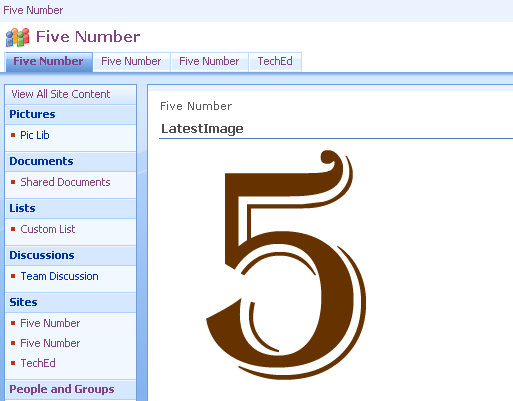
Custom Webpart – Displays the latest image from picture library

13 October, 2008 (09:51) | MOSS - Object Model | By: GVK

Here is the simple custom webpart which displays the latest image from picture library. Download complete source code using System; using System.Runtime.InteropServices; using System.Web.UI; using System.Web.UI.WebControls.WebParts; using System.Xml.Serialization; using System.Web.UI.WebControls; using Microsoft.SharePoint; using Microsoft.SharePoint.WebControls; using Microsoft.SharePoint.WebPartPages; namespace LatestImage { [Guid("8c21451d-1763-4a7f-817c-f4330a5b1fd8")] public class LatestImage : System.Web.UI.WebControls.WebParts.WebPart { Image myimage = new Image(); protected override void CreateChildControls() [...]
Programatically delete list or library in sharepoint 2007

13 October, 2008 (07:46) | MOSS - Object Model | By: GVK

Here is the simple code for deleting list or library in sharepoint 2007 Download the code

Custom Webpart – Inserts items into sharepoint custom list

10 October, 2008 (14:37) | MOSS - Object Model | By: GVK

Here is the simple custom webpart which inserts items into (Title, Employee Name, Designation) Sharepoint custom list, before executing the webpart first of all you have to create custom list and required fields manually through UI as said below: Create a custom list, name it as Custom List (you can also choose different name, but [...]

Getting started with Business Data Catalog in sharepoint 2007

7 October, 2008 (16:29) | Business Data Catalog | By: GVK

In this post we can learn how to display the business data (AdventuresWorks 2005) in a Business Data List webpart of Sharepoint 2007 Steps: Download the AdventureWorks 2005 sample database Install the downloaded sample AdventureWorks 2005 database and attach the installed database because when you install it create the database files in C:\Program Files\Microsoft SQL [...]